Self-host Loom-style share links on Cloudflare R2
Reelbird copies a share link the moment you stop recording, like Loom, but the video and its viewer page live in a Cloudflare R2 bucket you own. There's no server or database to run: Reelbird uploads static files, signed with your keys. R2 doesn't charge when people watch, and its free tier holds a few hours of video. Setup takes about ten minutes, once.
Before you start
- Reelbird on macOS 15 or later (download).
- A Cloudflare account. R2 asks for a payment method even if you stay inside the free tier.
- Optional: a domain on Cloudflare, for links like
video.example.com/r/….
1. Create a bucket
In the Cloudflare dashboard, open R2 object storage and select Create bucket. Name it, for example reelbird, leave the location on Automatic, and create it.
2. Give it a public URL
Viewers read the files without credentials, so the bucket needs a public URL. Open the bucket, then Settings, and pick one:
- Custom domain (recommended): under Custom Domains, select Add, enter a subdomain such as
video.example.comand connect it. It gets Cloudflare's cache, and it's what you'd use for links you send to customers. - r2.dev URL (to try it out): under Public Development URL, select Enable. Cloudflare rate-limits it and says it's for development, so switch to a custom domain later.
The public URL makes files readable, not listable: nobody can browse the bucket.
3. Create an API token
Back on the R2 overview, select Manage next to API Tokens, then Create Account API token. Give it Object Read & Write and limit it to your bucket, so Reelbird can't touch anything else in your account. Copy the Access Key ID and the Secret Access Key; Cloudflare shows the secret only once.
4. Connect Reelbird
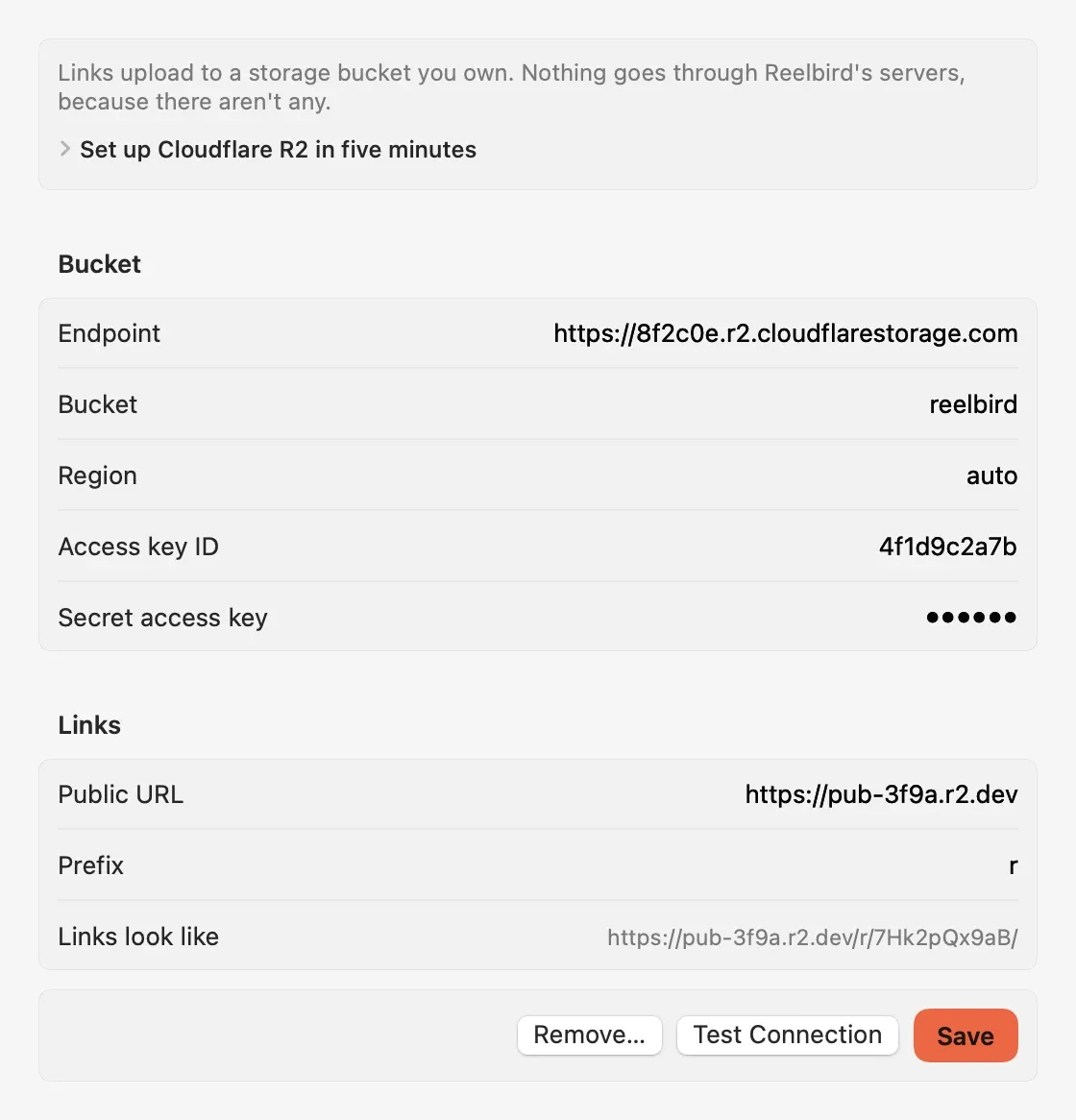
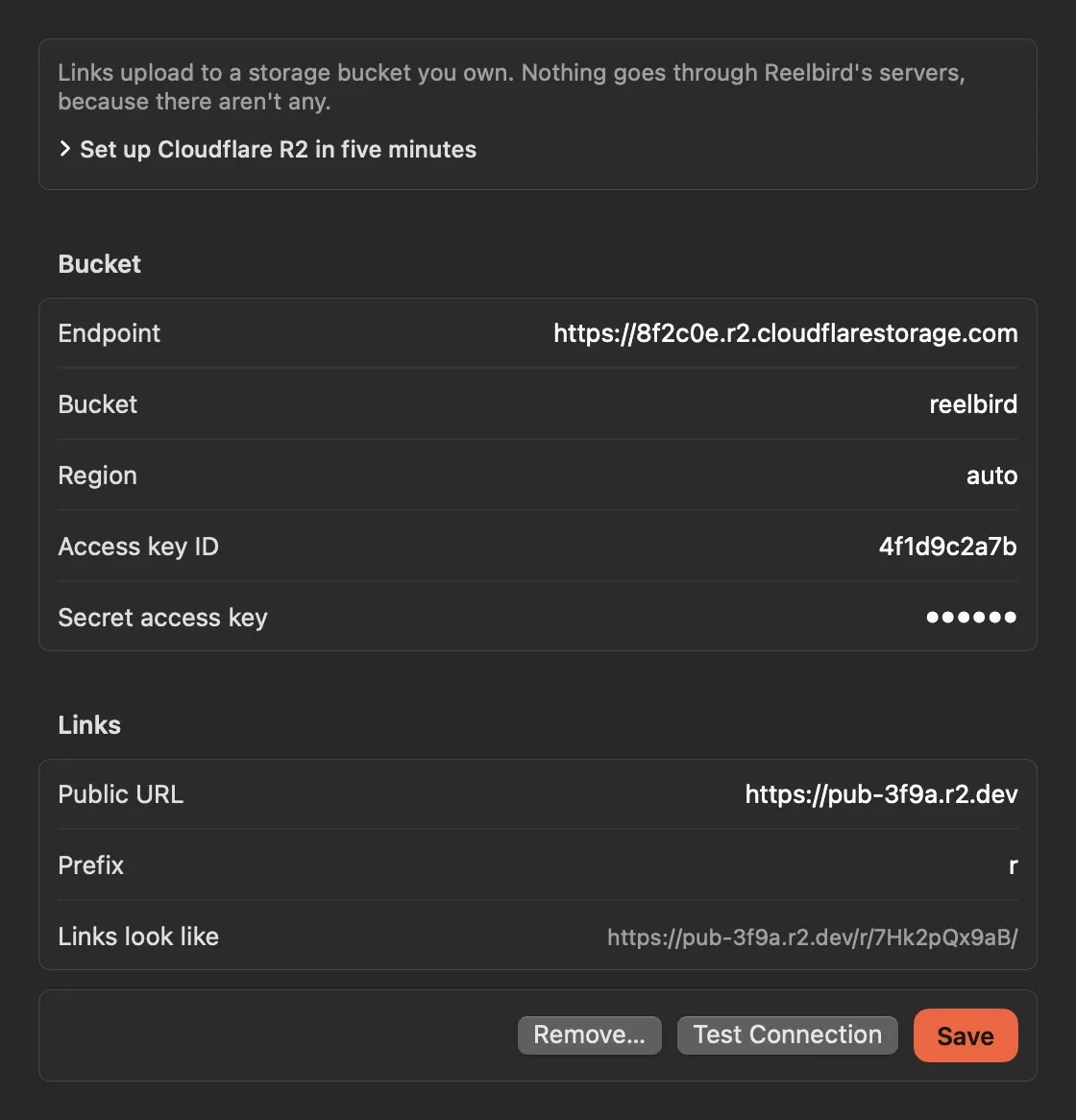
Click the robin in the menu bar, choose Settings…, then Sharing, and fill in:
- Endpoint:
https://<ACCOUNT_ID>.r2.cloudflarestorage.com. The account ID is on the R2 overview page. - Bucket: your bucket's name. Region:
auto. - Access key ID and Secret access key from step 3.
- Public URL: your custom domain, or the
https://pub-….r2.devURL.
Choose Test Connection. Reelbird uploads a small file, reads it back with your keys and through the public URL, then deletes it. If both work, choose Save. The secret goes into your macOS Keychain.
5. Record and get a link
In the picker, turn on Share while recording. Reelbird uploads a 1080p stream in 2-second segments as you record, and when you stop, the link is on your clipboard: https://video.example.com/r/<id>/. Later, edit the take and choose Update link. The same URL plays the polished version, and the old files are deleted.
What it costs
As of October 2026, R2's free tier includes 10 GB of storage a month, a million uploads and ten million reads, and egress is always free. The stream uploaded while recording uses roughly 30 MB a minute, so the free 10 GB holds a few hours of shared video. Past that, 100 GB is about $1.35 a month. Stop sharing a link to delete its files.
From the terminal or CI
The command line tool uses the settings you saved in the app, or you can set them from a terminal. On a CI machine without a Keychain, set the REELBIRD_S3_* environment variables instead; the sharing docs list them.
reelbird config share --endpoint https://<ACCOUNT_ID>.r2.cloudflarestorage.com --bucket reelbird --access-key <ACCESS_KEY_ID> --public-base https://video.example.com --test
reelbird share latest
Caveats
- Links are unlisted, not secret. Anyone with a link can watch and forward it. There's no password.
- With a custom domain, Cloudflare's cache may serve a deleted file for a short time.
- AWS S3, Backblaze B2 and a self-hosted MinIO work too, set up the same way. S3 charges for every view. See the sharing docs.
- If you'd rather not run a bucket, Reelbird Pro hosts links for $5 a month, with view analytics.
Related: a self-hosted Loom alternative and how share links work.
Published 7 November 2026. Cloudflare's dashboard labels and R2 prices as of October 2026; the full reference is in the sharing docs.