Everything Reelbird does
Record once. Get a link at once. Make it look and sound good later, under the same link. Here's what's in the app today, and what isn't yet.
Auto-zoom and a smooth cursor
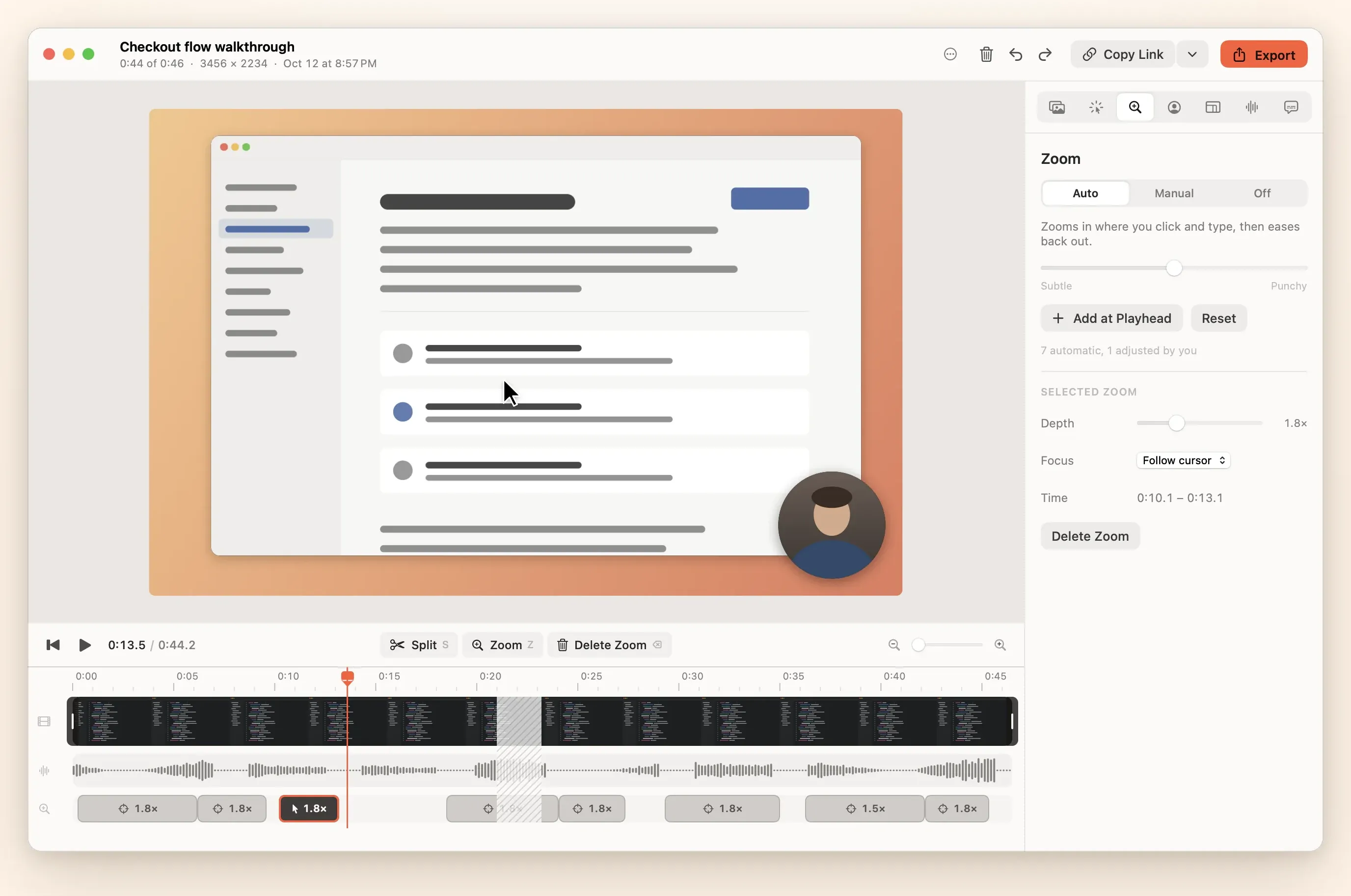
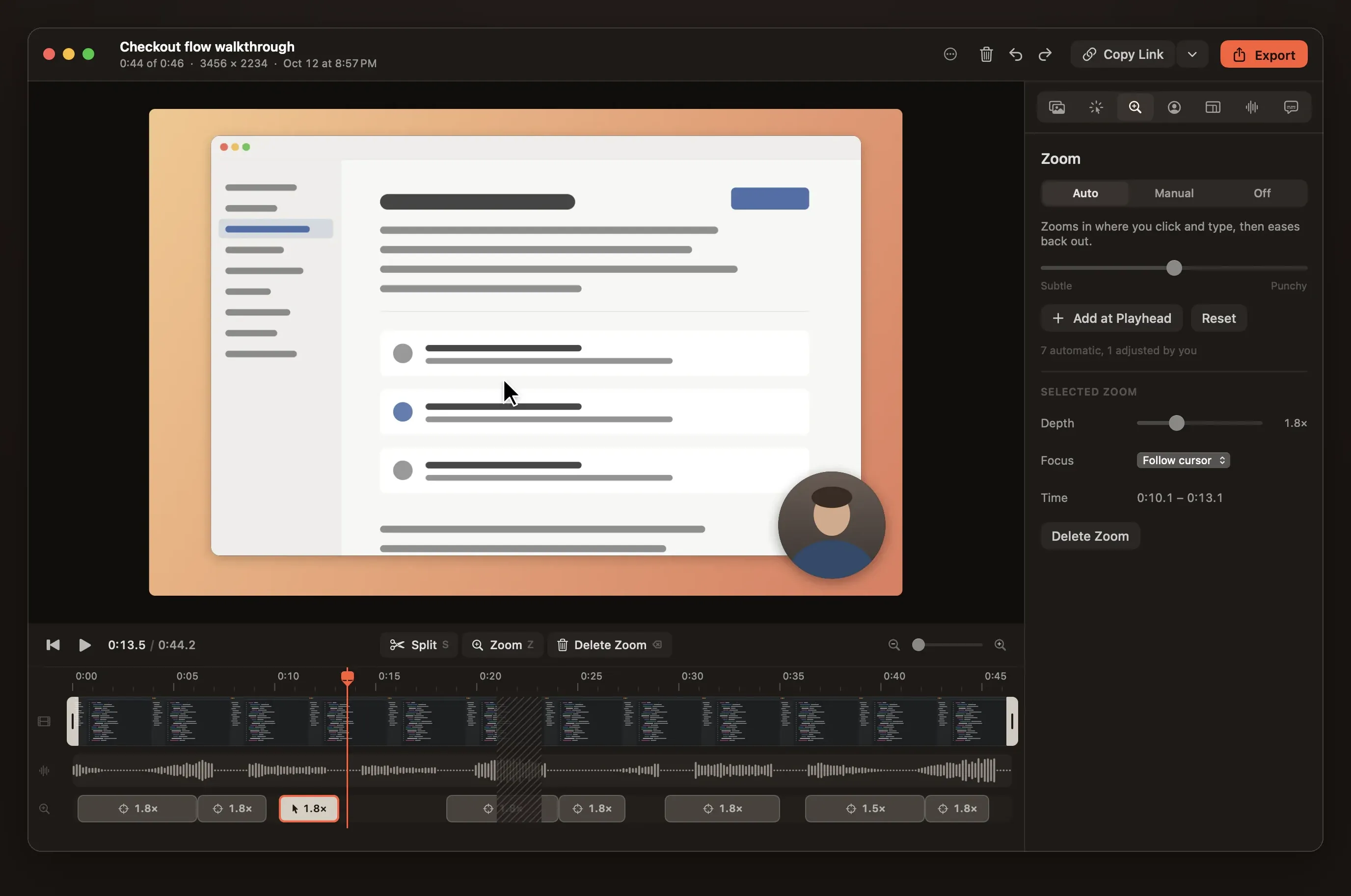
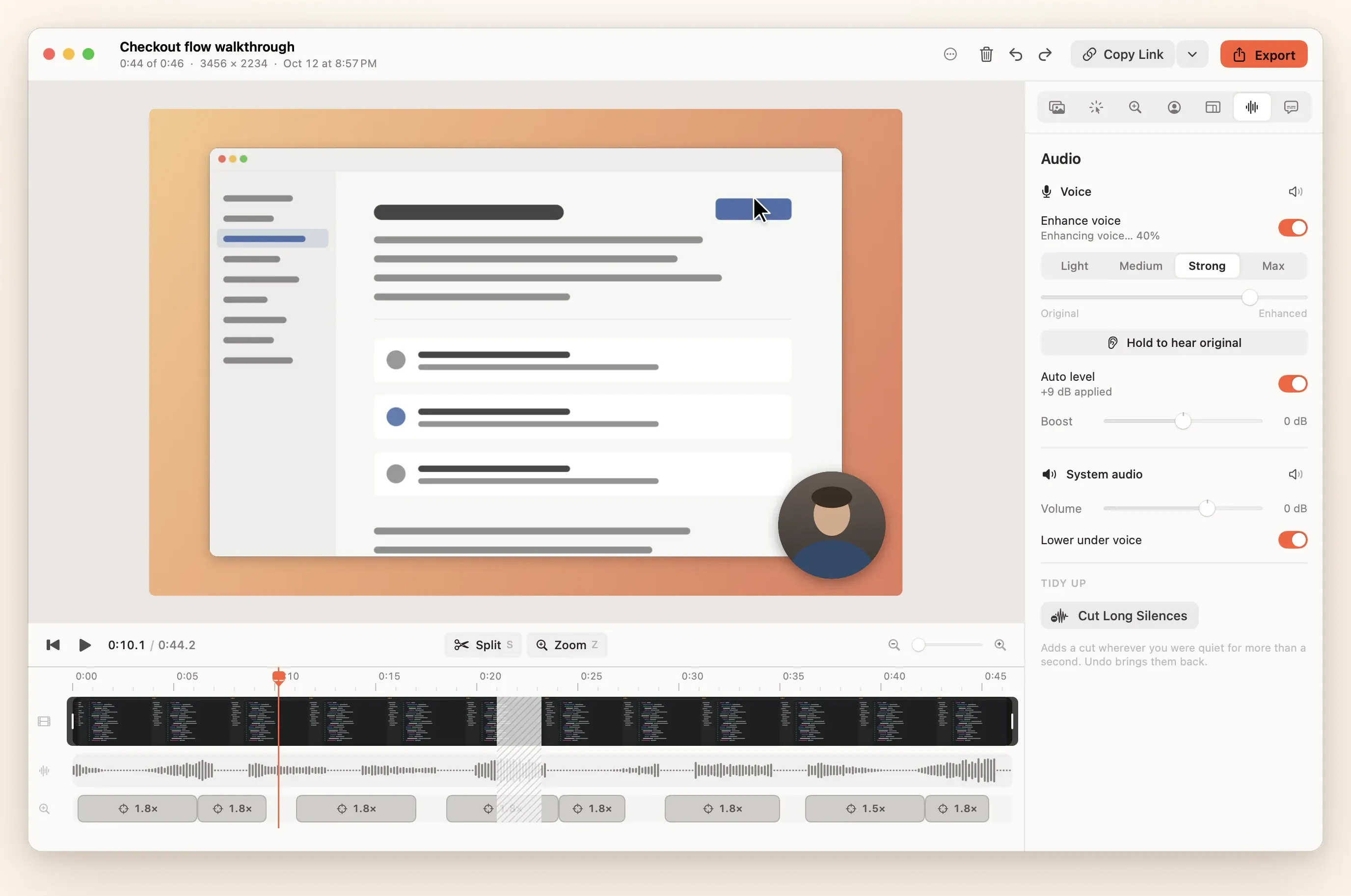
Zooms planned from your clicks and typing, a cursor redrawn so it glides, and a frame around it all. Every zoom is editable.
Instant share links
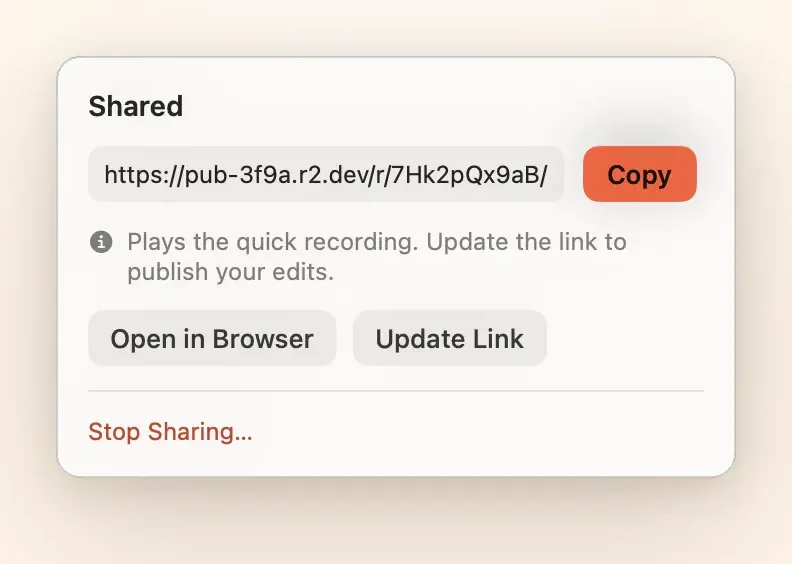
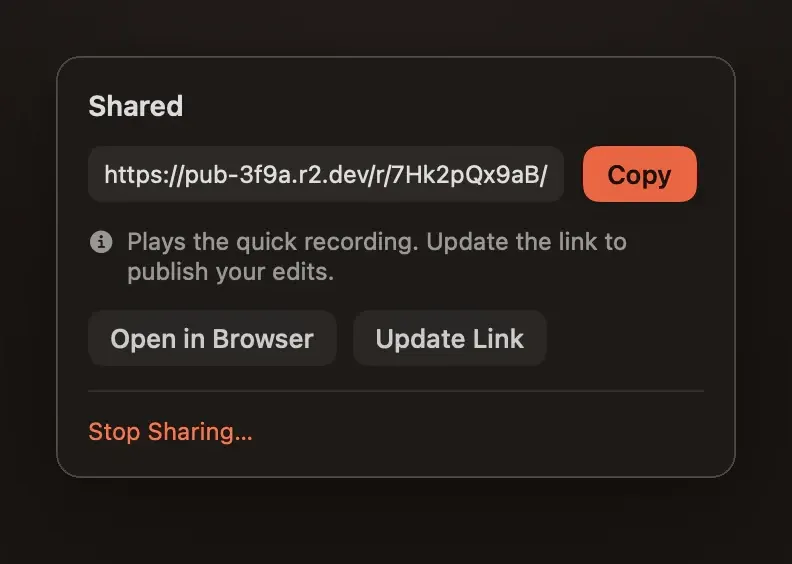
The link is on your clipboard when you stop. Update it after editing and the URL stays the same. Files live in your own bucket.
Audio and captions
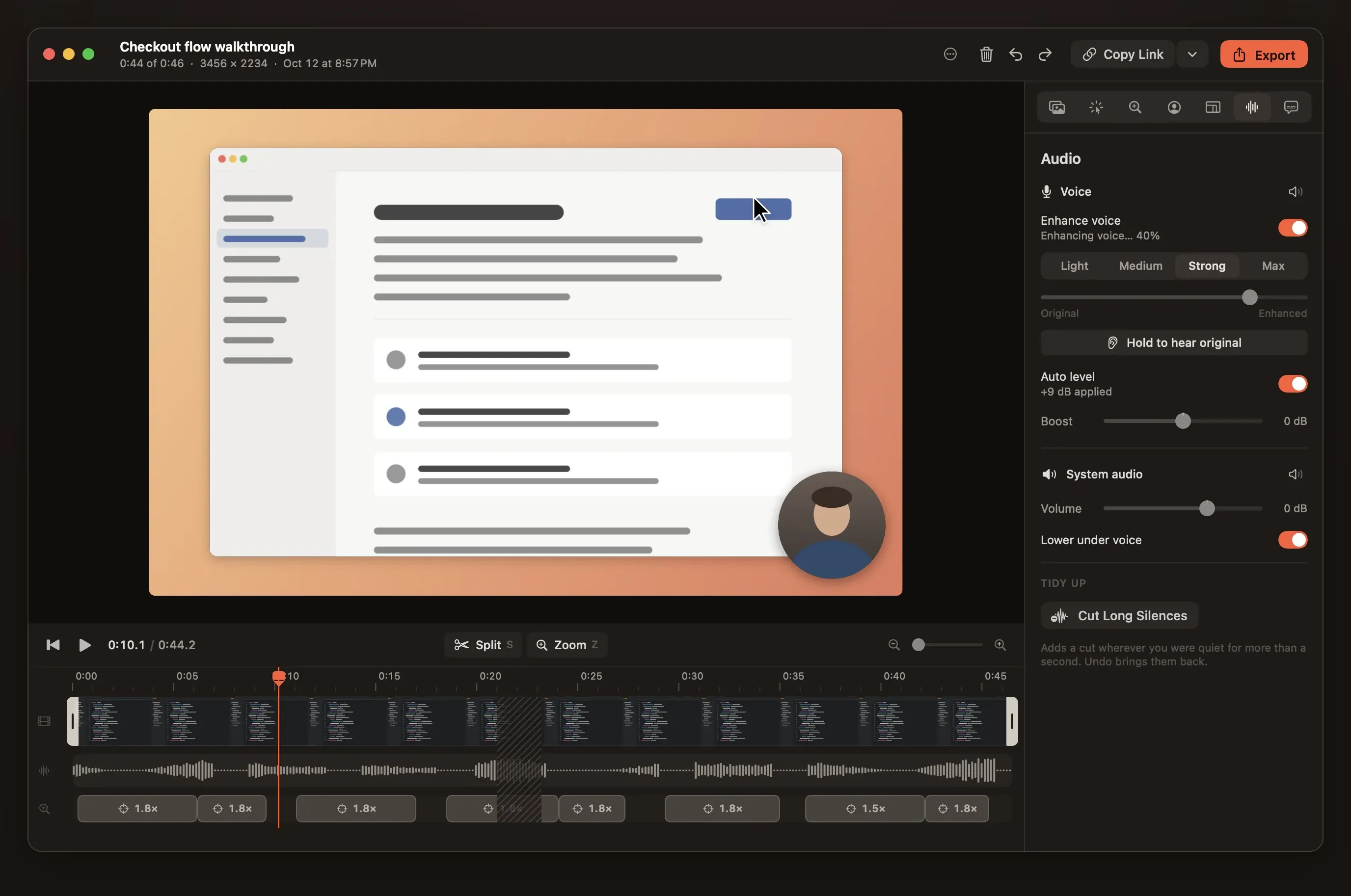
Auto level to −16 LUFS, on-device voice enhance, ducking, Cut Long Silences, and captions made on your Mac.
CLI and MCP for agents
Claude Code, Codex or Cursor can list screens, record a demo of the change they made, export it and hand you the link.
$ reelbird record --display 1 --duration 20 --share
$ reelbird edit latest --set zoom.intensity=0.7
$ reelbird share latest --polished
# same link, polished video
Warnings while it matters
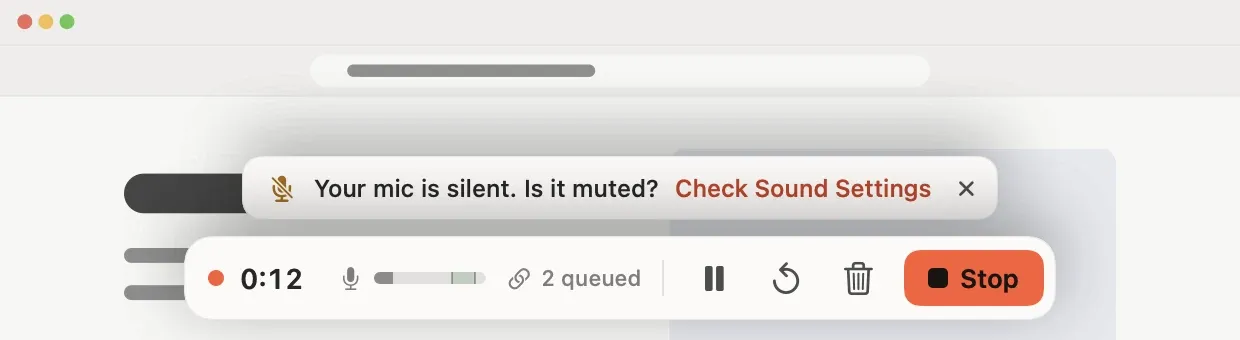
A silent microphone, stalled capture, audio drift, a filling disk or uploads falling behind show up on the recording bar during the take, not after.
And the rest
- Display, window or area
- Pick any display, any window (even on another desktop) or drag out an area. Return starts, Esc closes.
- Separate tracks
- Screen, camera, microphone and system audio, each on its own track, with no virtual audio driver.
- Camera bubble
- Its own 30 fps track, so size, shape and corner can change after recording.
- Crash-safe takes
- 2-second segments on disk from the first frame. A crash costs at most two seconds.
- Hide the browser toolbar
- Reelbird finds the browser chrome at the top of a recording and crops it in one click. The media is never changed.
- Keystroke overlay
- Optional. Shows the shortcuts you press, and lets auto-zoom follow typing.
- Export
- MP4 (H.264), HEVC, ProRes and GIF with hardware encoding. Landscape, square, vertical or 4:3.
- Open project format
- A .reelbird folder of MP4s, JSON and an event log, with relative paths.
- Keyboard first
- ⌥⇧R records from anywhere. J, K, L, S for split, Z for zoom, ⌘E to export.
- CLI and MCP
- Everything the app does, from a terminal or a coding agent, with JSON output.
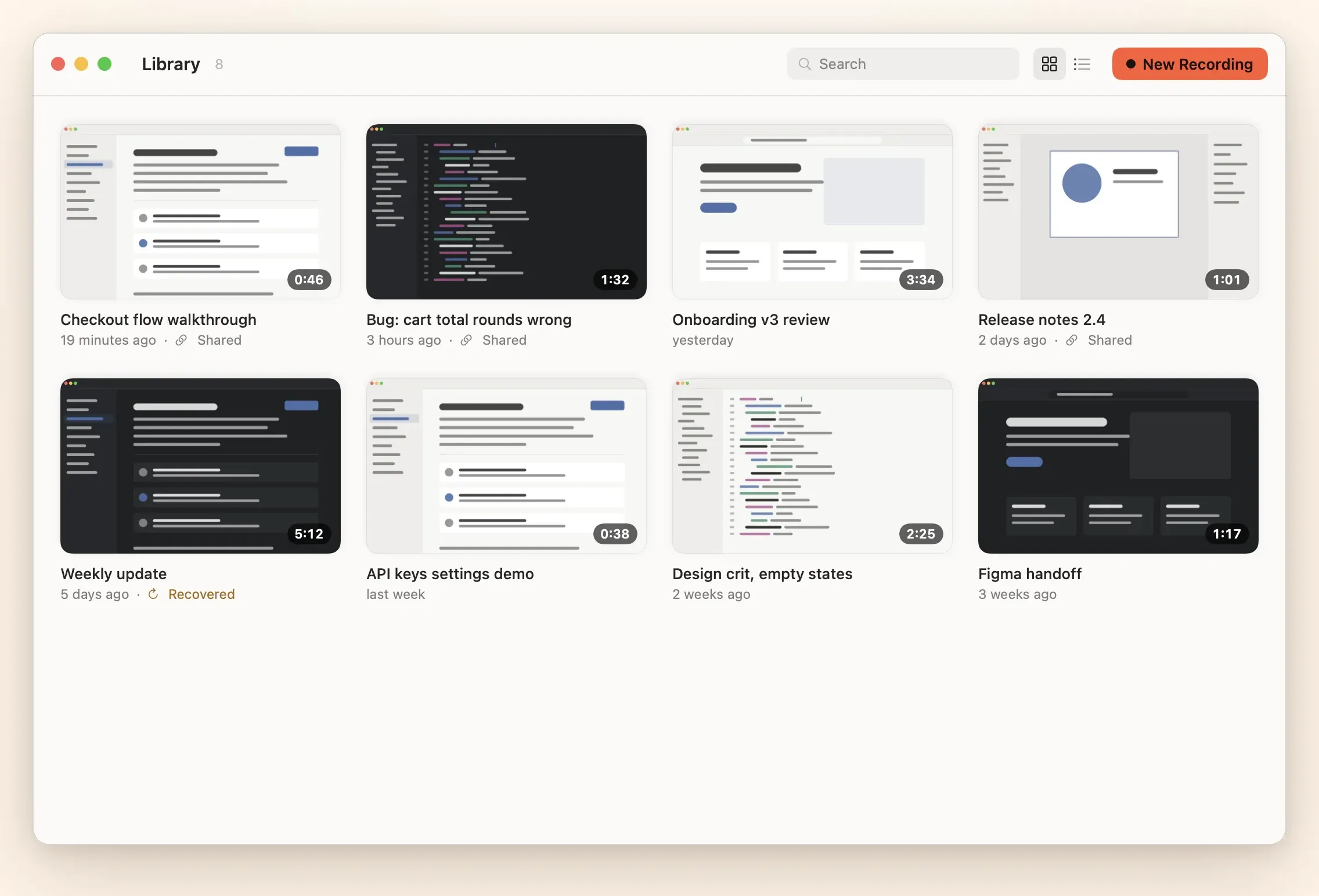
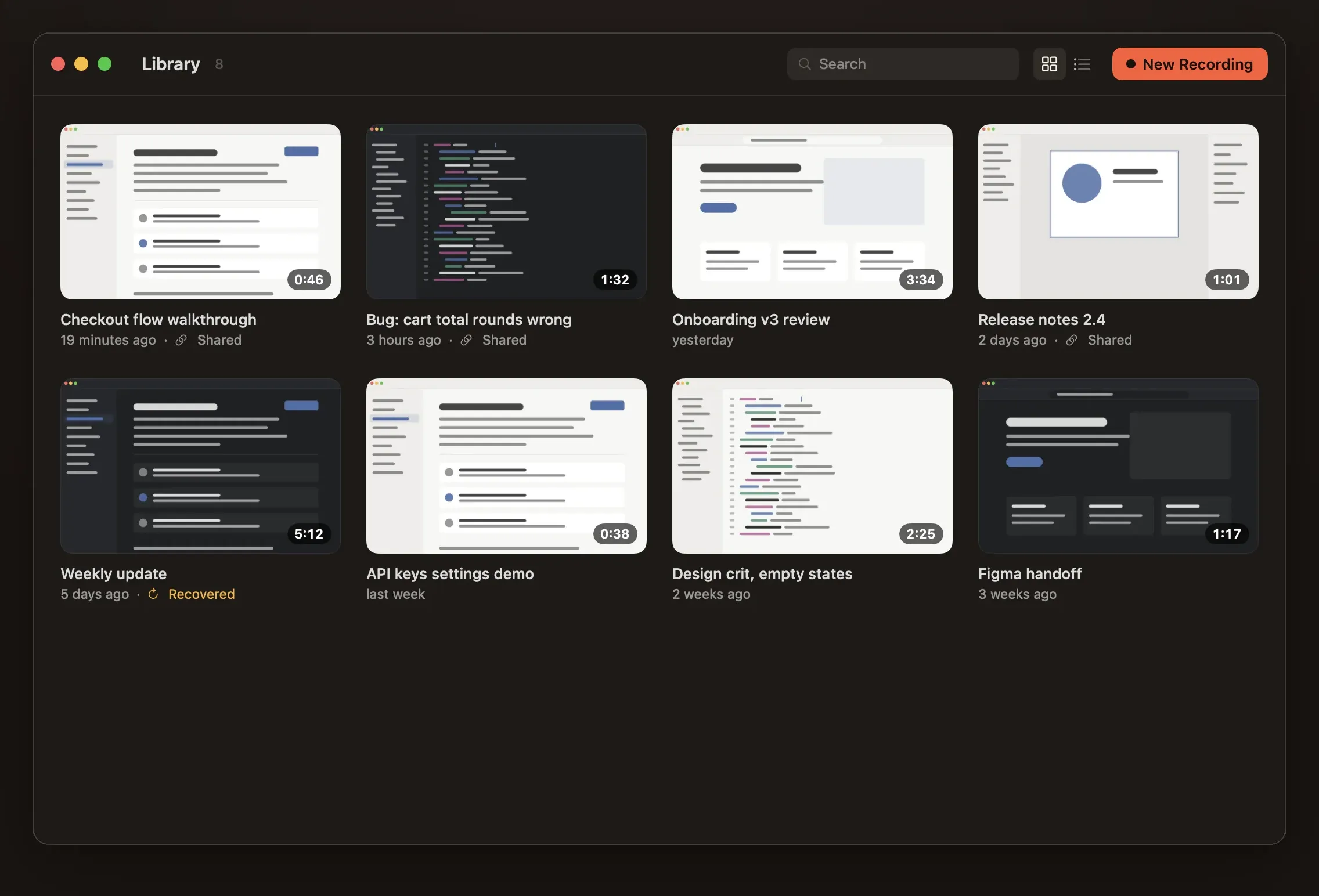
A library of every take
⇧⌘L opens it. Shared takes are marked, recovered ones too.
Not there yet
- Joining clips. The project format can append takes; the editor has no UI for it yet.
- Zooms that track the focused text field. Zooms follow clicks and typing bursts today.
- Titles and chapters in the app. Available from the CLI and MCP.
Next to Loom and Screen Studio
Loom gives you a link when you stop but no auto-zoom, and its free plan stops videos at 5 minutes with no downloads. Screen Studio has the polish for $29 a month, with the link after export. Reelbird does both from one take, free.
Reelbird vs LoomReelbird vs Screen StudioEight recorders compared
Record your first take in a few minutes.
Clone the repo, run make install, and look for the robin in your menu bar. Mac only, macOS 15 or later, no Xcode needed.