Auto-zoom and a smooth cursor
Reelbird zooms in where you click and eases back out, and redraws your cursor so it glides. You record normally; the polish is planned afterwards from what you did.
Planned from your clicks
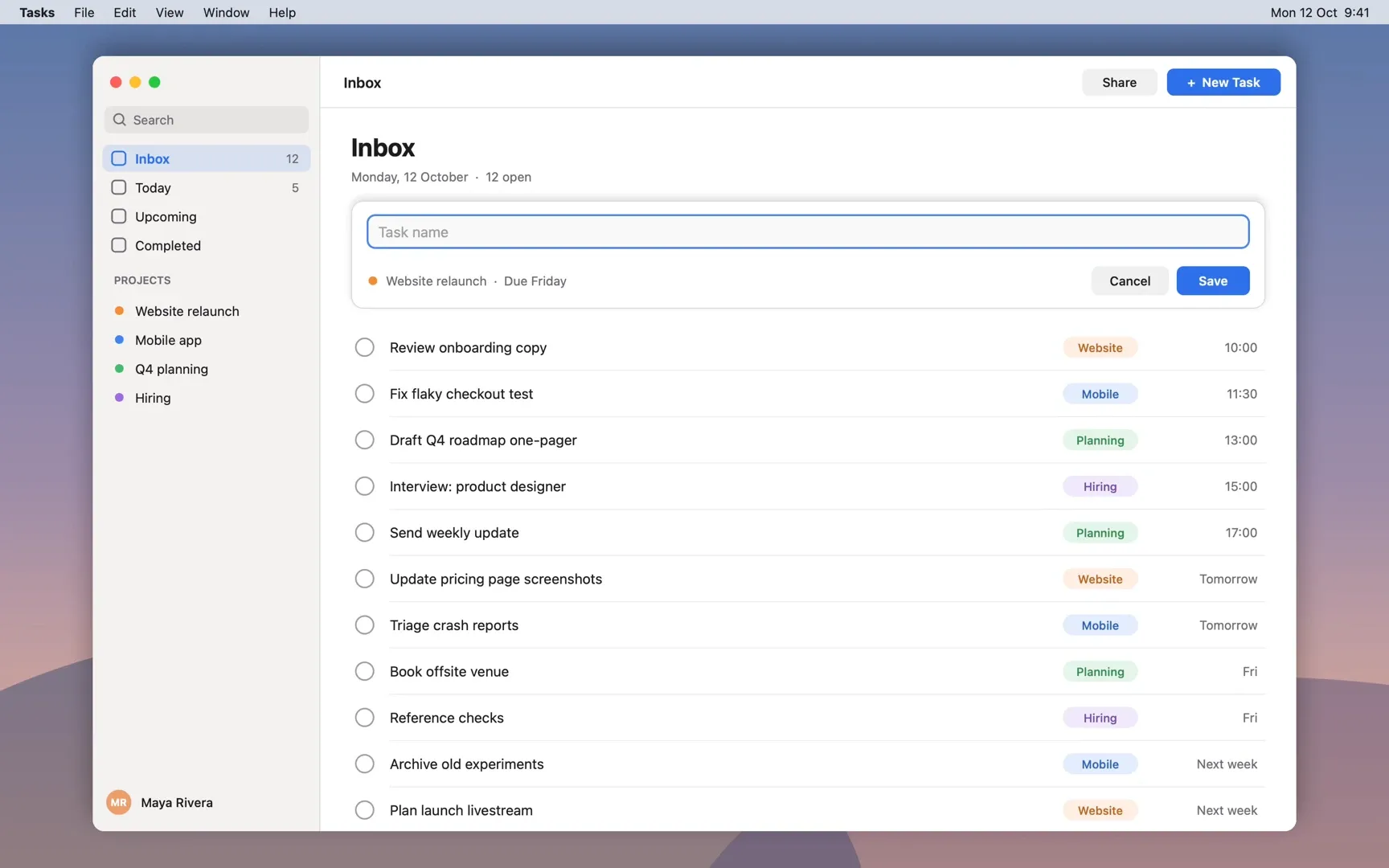
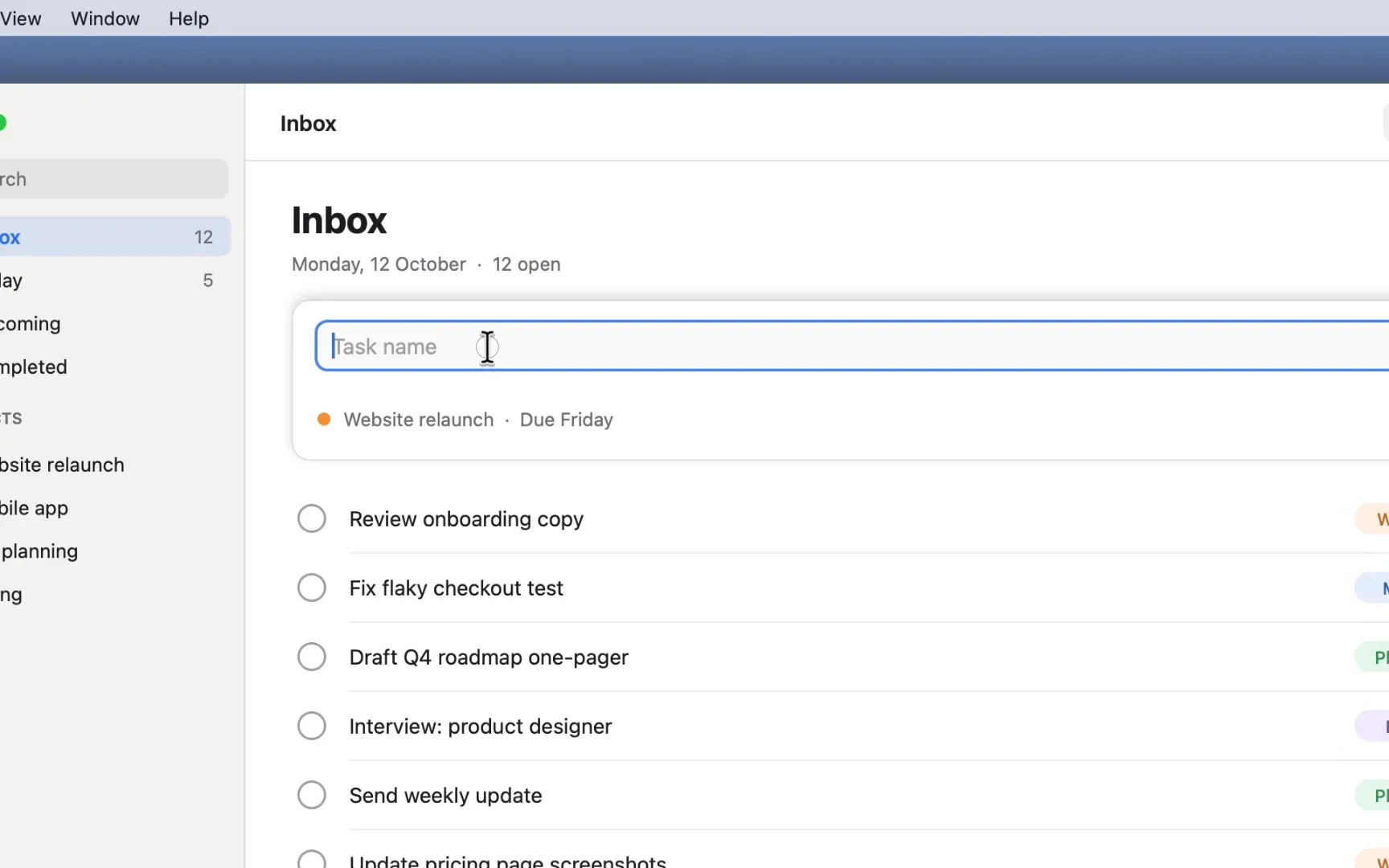
While you record, Reelbird logs every click, scroll and pointer move next to the video, on the same clock. When you open the take, it plans a zoom for each burst of clicks or typing: in on the click, held while you work there, out when you move on.
The camera moves on a log scale with a critically damped spring, so zooms start and stop softly instead of snapping, and it's anchored on the point you clicked.
One slider, then every zoom is yours
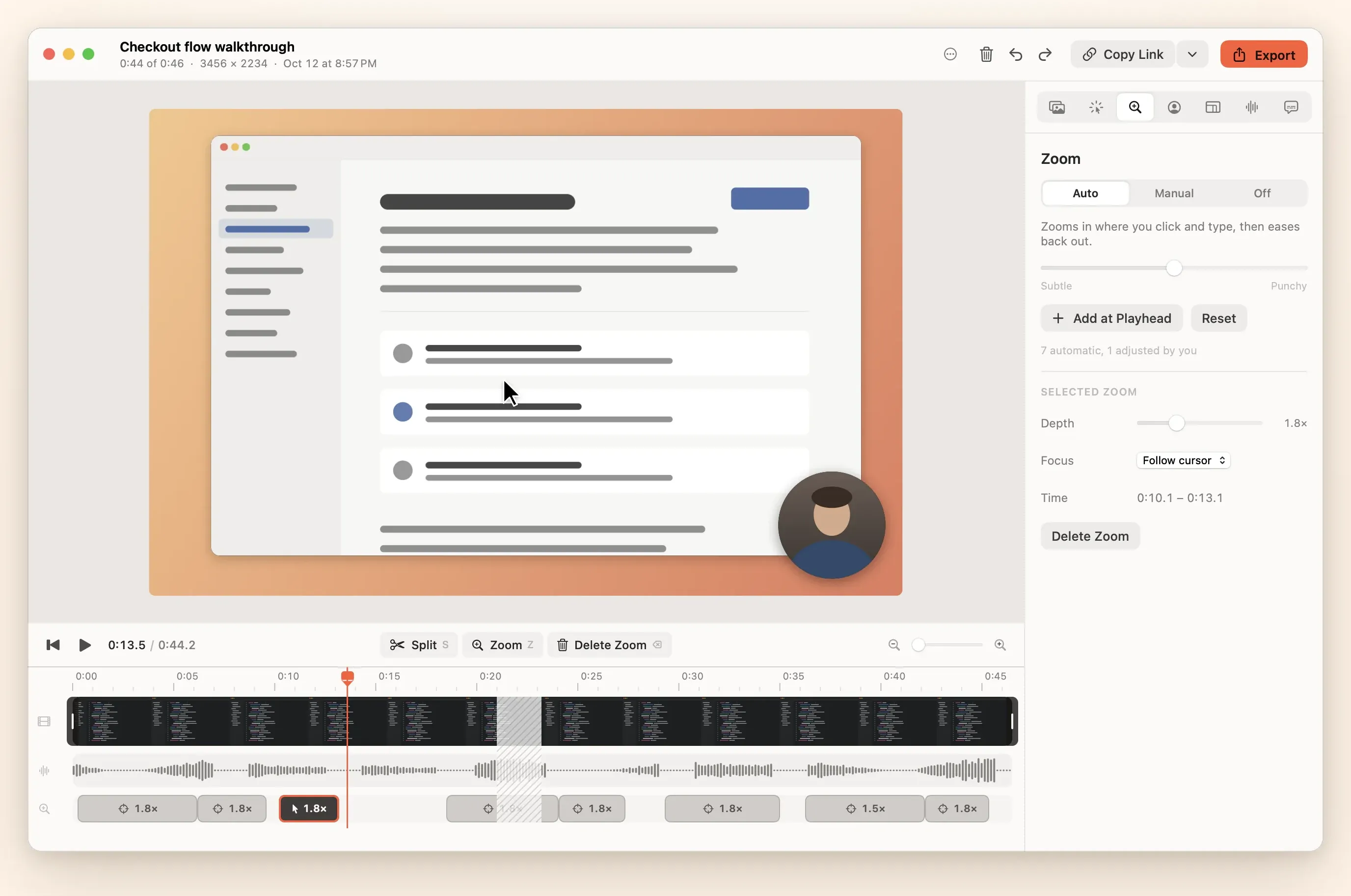
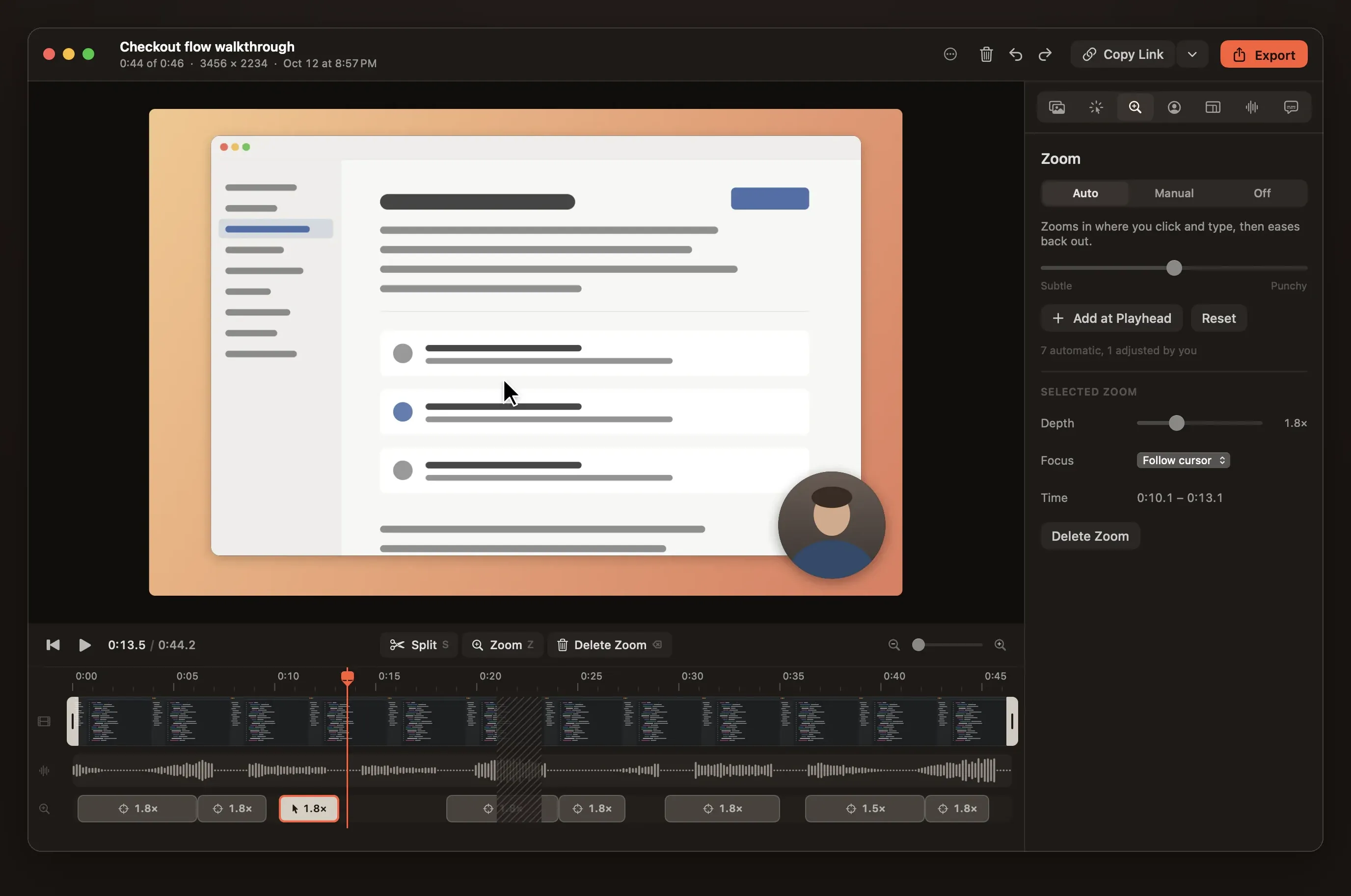
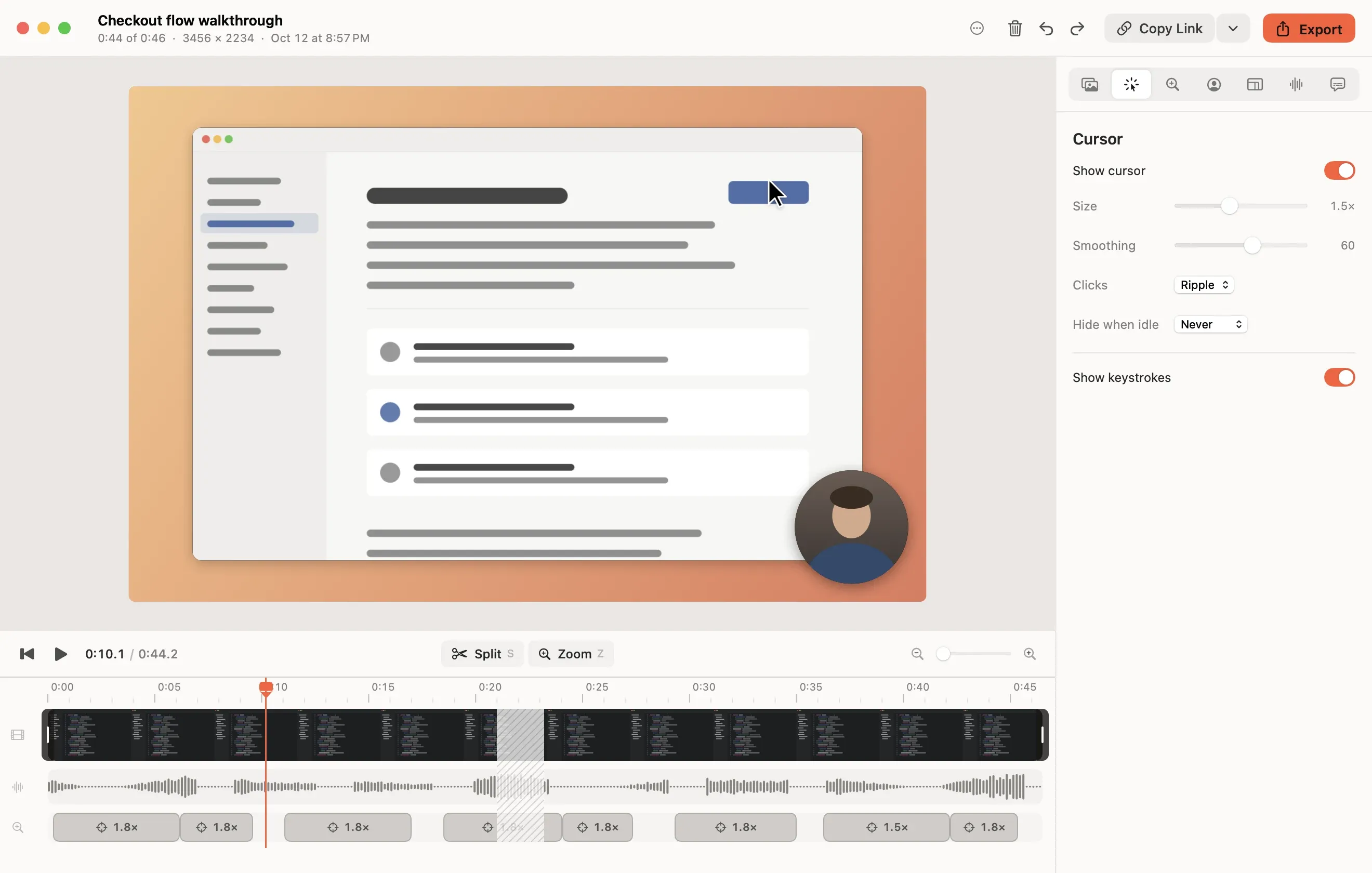
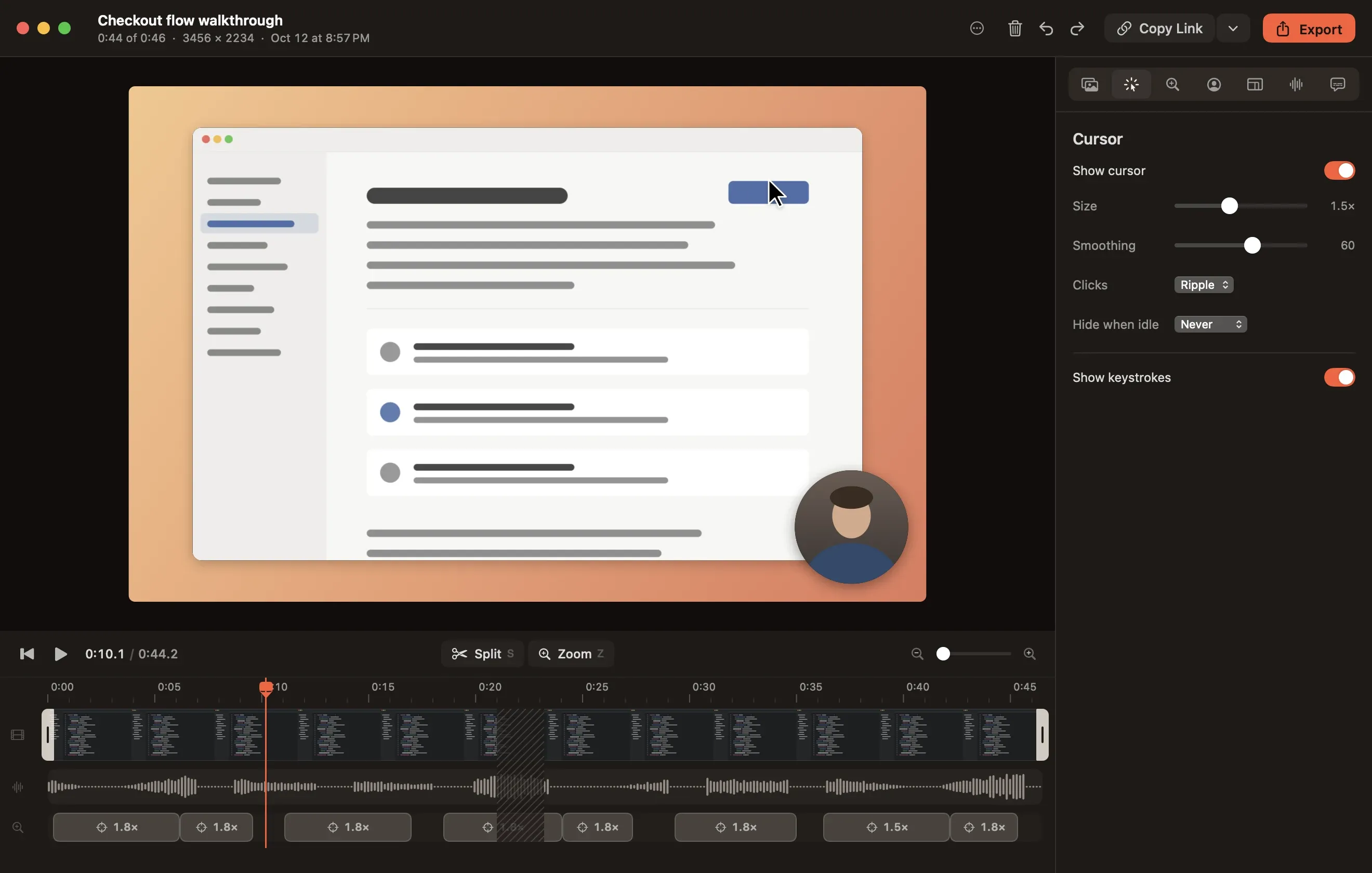
The Zoom inspector has Auto, Manual and Off. In Auto, one slider runs from subtle to punchy. On the timeline, each zoom is a block you can move, stretch or delete, with its own depth and focus. Z adds one at the playhead.
- Auto zooms ignore clicks outside a crop, so hiding the browser toolbar doesn't send the camera there.
- With Record keystrokes on, a burst of typing gets its own zoom too, framed around where you clicked to type. Zooms that track the focused text field as it moves are on the roadmap.
A cursor that glides
The system cursor is hidden while you record and drawn again from the event log, resampled and spring-damped. It moves smoothly instead of jittering. Make it bigger, hide it, or turn click effects on, after the fact.
Preview is the export. One Metal compositor draws both, from the same plan: background, padded rounded screen with a shadow, zoom, cursor, click effects, camera bubble and captions. What you watched is what you get.
Record your first take in a few minutes.
Clone the repo, run make install, and look for the robin in your menu bar. Mac only, macOS 15 or later, no Xcode needed.