Free and open source · macOS 15 and later
Record. Get a link.
Polish it later.
Reelbird is a free, open-source screen recorder for macOS that copies a share link the moment you stop recording, then lets you polish the same take with auto-zoom, a smooth cursor and captions without changing the link.
Free download for Apple silicon Macs on macOS 15+, or build from source. No account.
Why not just use Loom or Screen Studio?
Loom gets you a link fast. Screen Studio makes it look good. Reelbird does both from one take, for free.
| Loomfree Starter plan | Screen Studio | Reelbird | |
|---|---|---|---|
| Price | Free, then $18 per user a month | $29 a month, or $9 billed yearly | Free. MIT licence |
| Limits | 5 min a video, 25 videos, 720p | Links up to 30 min | None set by Reelbird |
| Link when you stop | Yes, on Loom's cloud | No, after you export | Yes, in your own bucket |
| Auto-zoom polish | No | Yes | Yes, under the same link |
| Keep the file | No downloads on the free plan | Yes | Always: MP4s on your Mac |
Checked 12 Oct 2026 on Loom pricing, Loom downloads and screen.studio. Where they do more: Loom has comments, view counts and apps for every platform; Screen Studio has a more mature editor and a signed download. Compare eight recorders
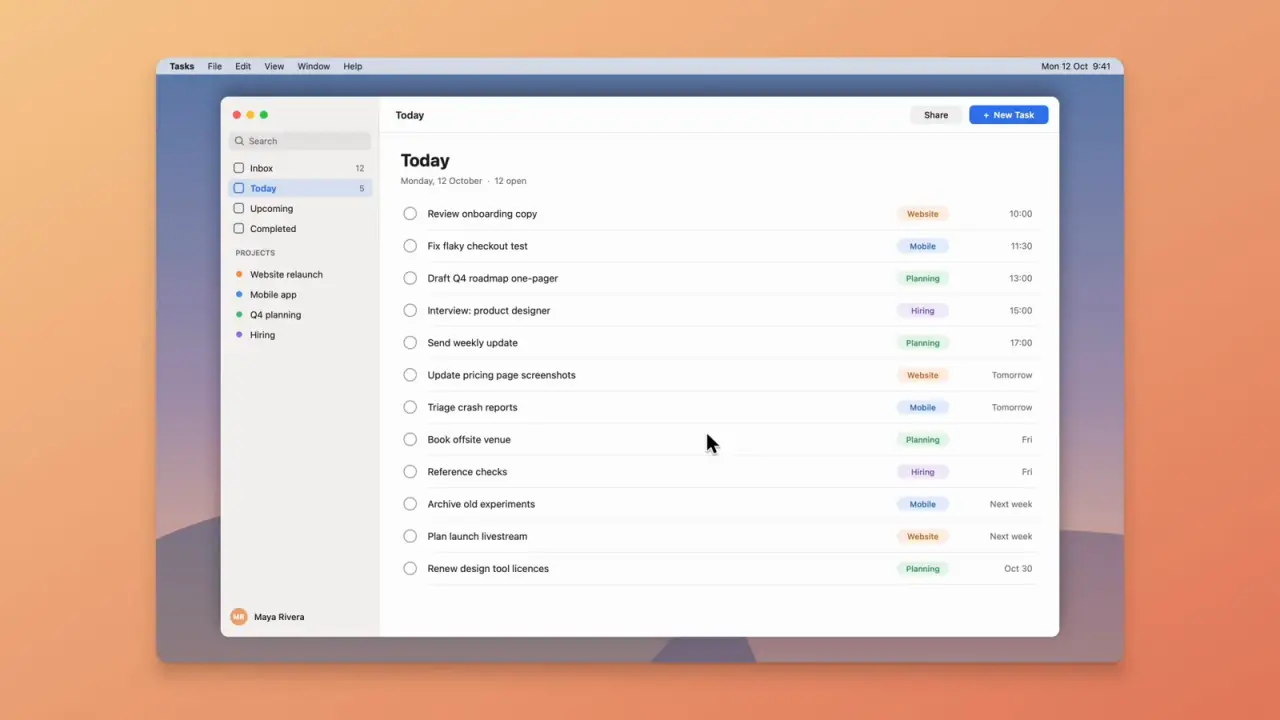
A real export. Every zoom was planned from the clicks in the recording.
How it works
One take, one link.
Most tools make you choose between a quick link and a polished video. Reelbird gives you the link first and lets the polish catch up.
-
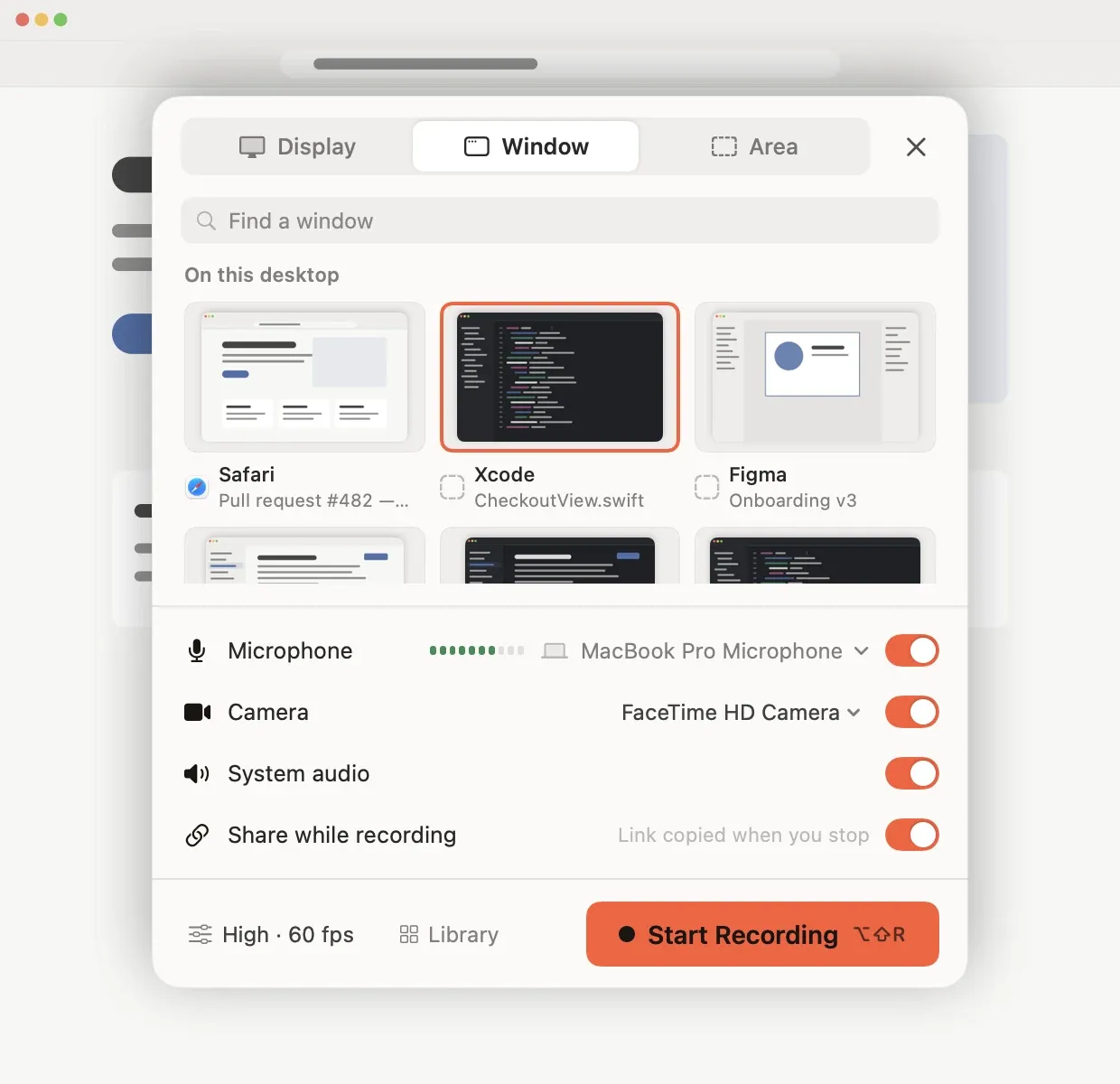
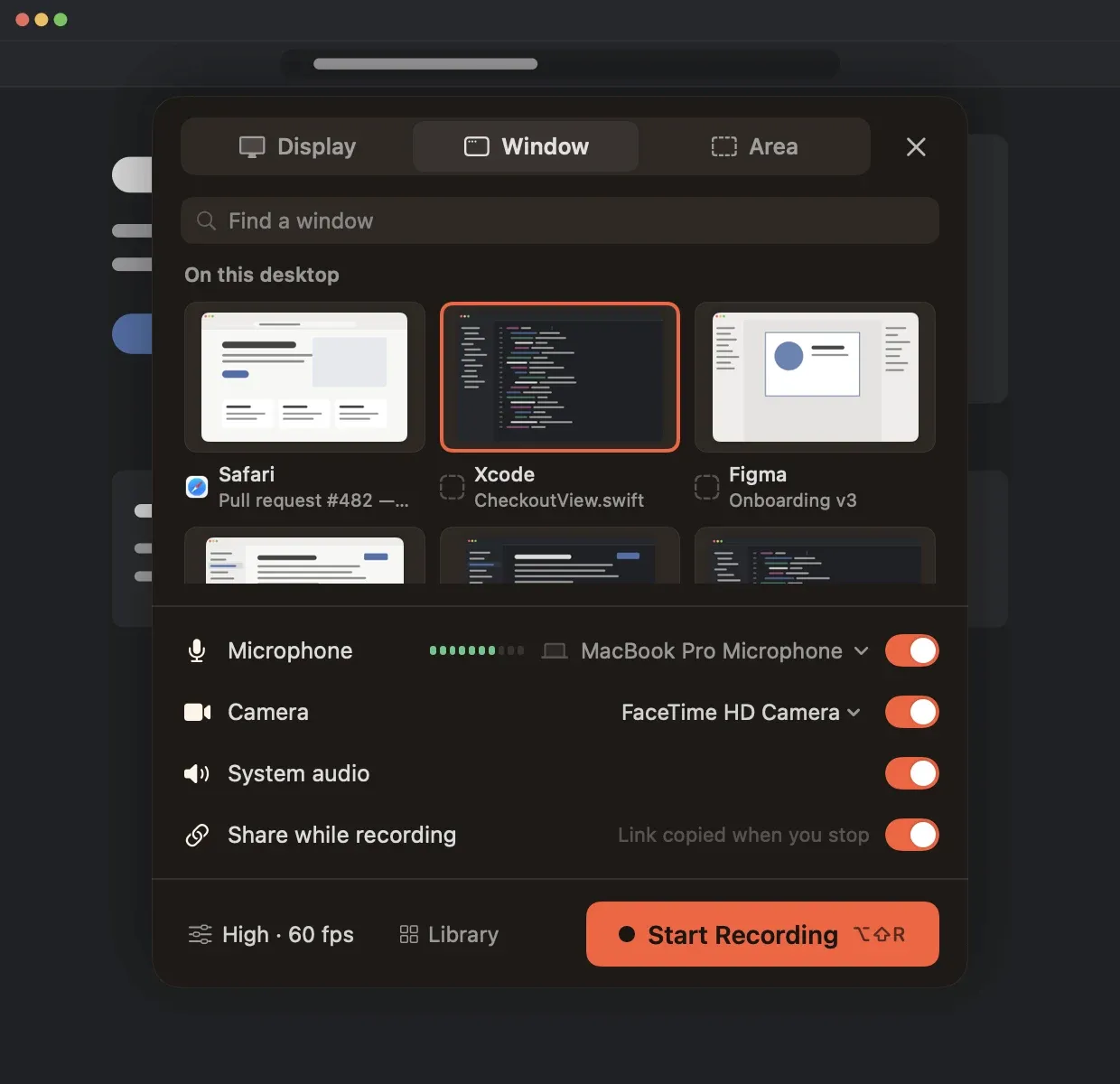
Record
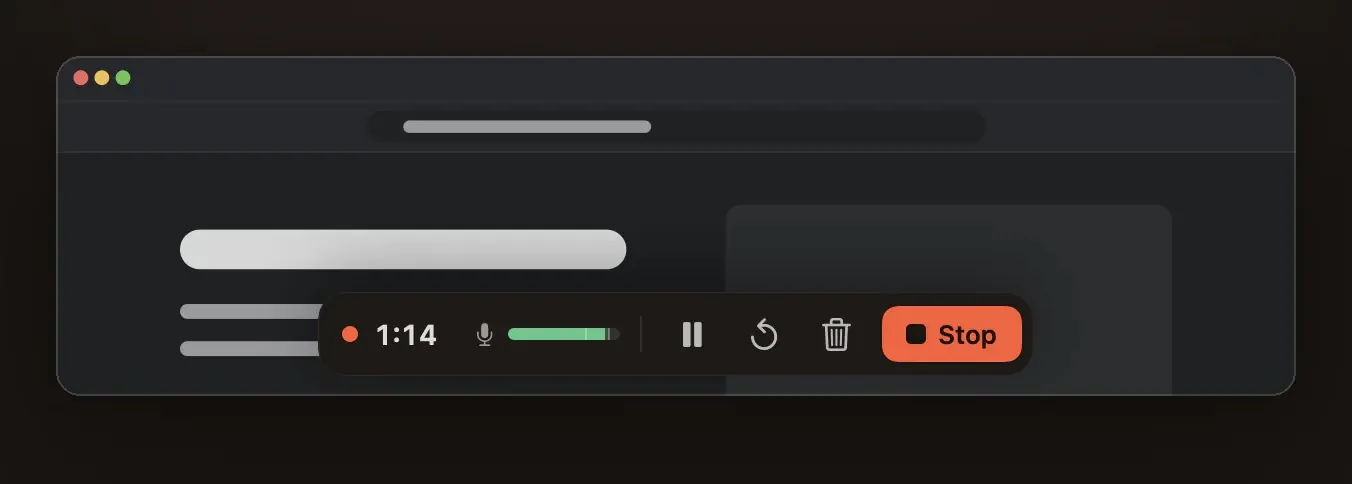
Pick a display, a window or an area. Camera, microphone and system audio record as separate tracks. ⌥⇧R starts from any app.
-
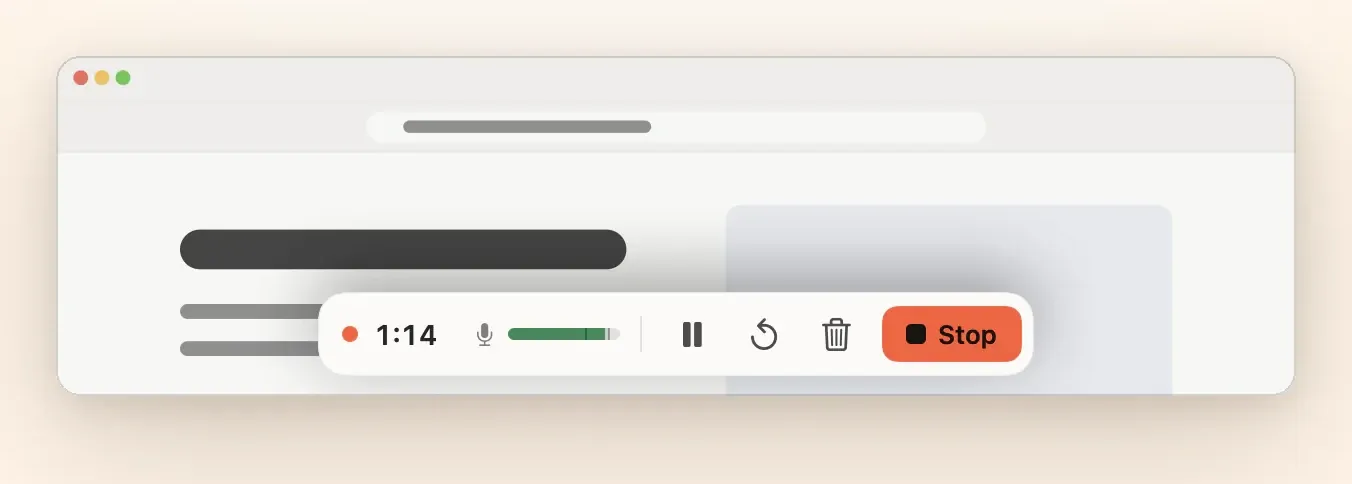
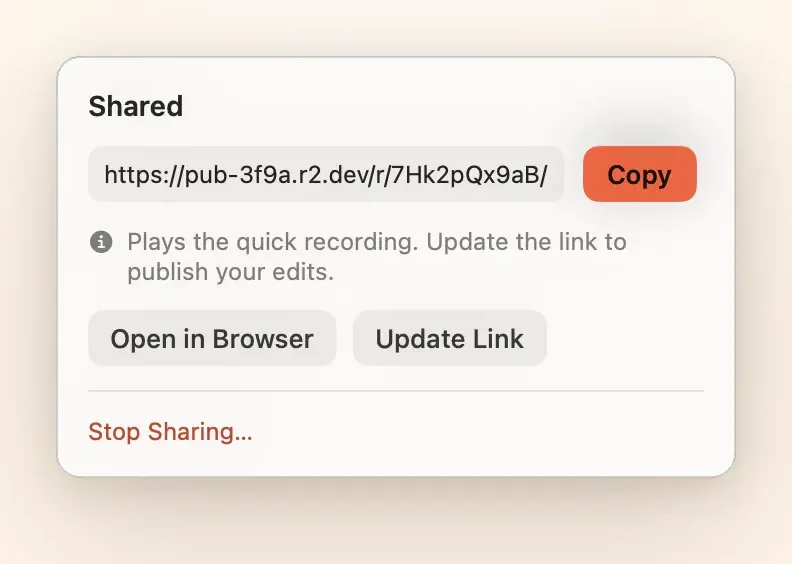
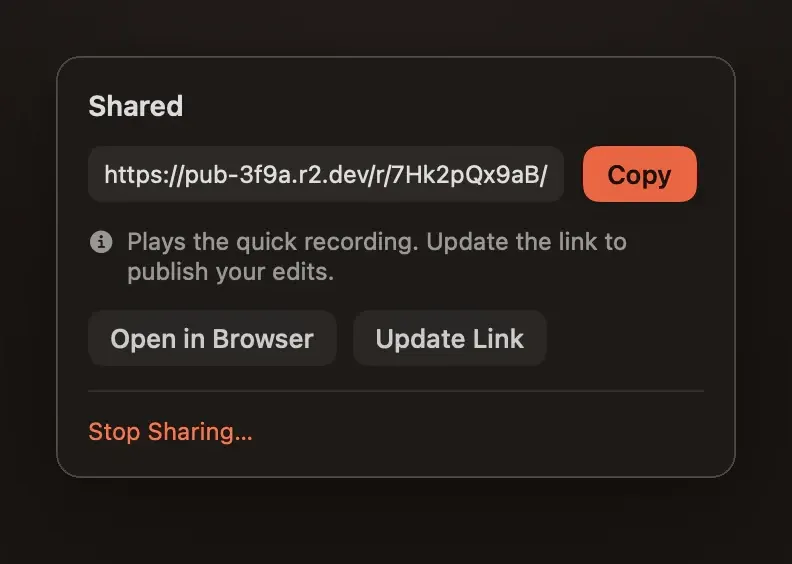
Stop. The link is on your clipboard.
With Share while recording on, Reelbird uploads a 1080p stream to your own bucket as you go. Paste the link anywhere; it plays in any browser a moment later.
-
Polish it. Same link.
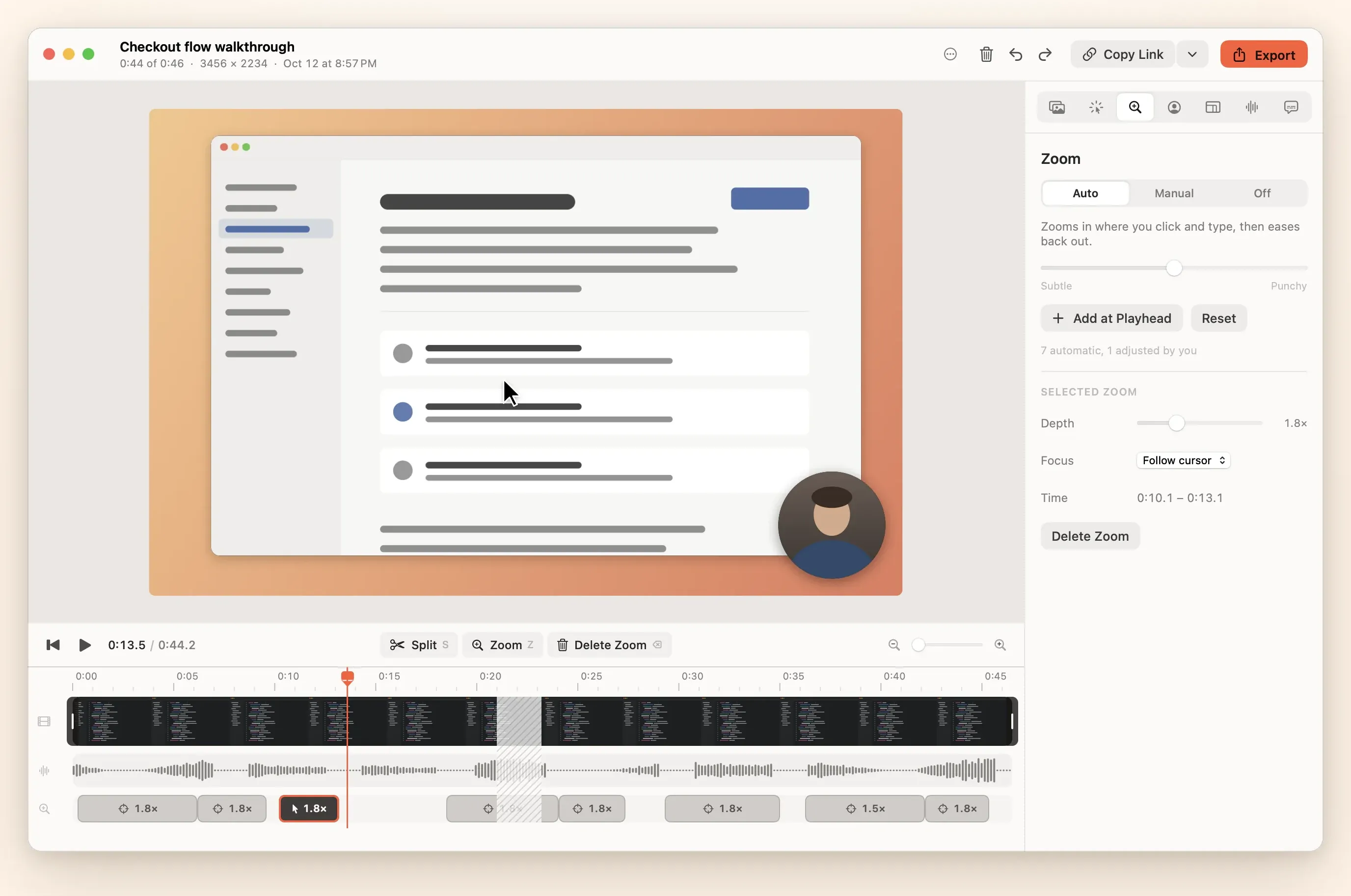
Open the take when you have time. Auto-zoom follows your clicks and typing, the cursor glides, captions appear. Choose Update link and everyone you sent it to sees the new version.
Auto-zoom and a smooth cursor
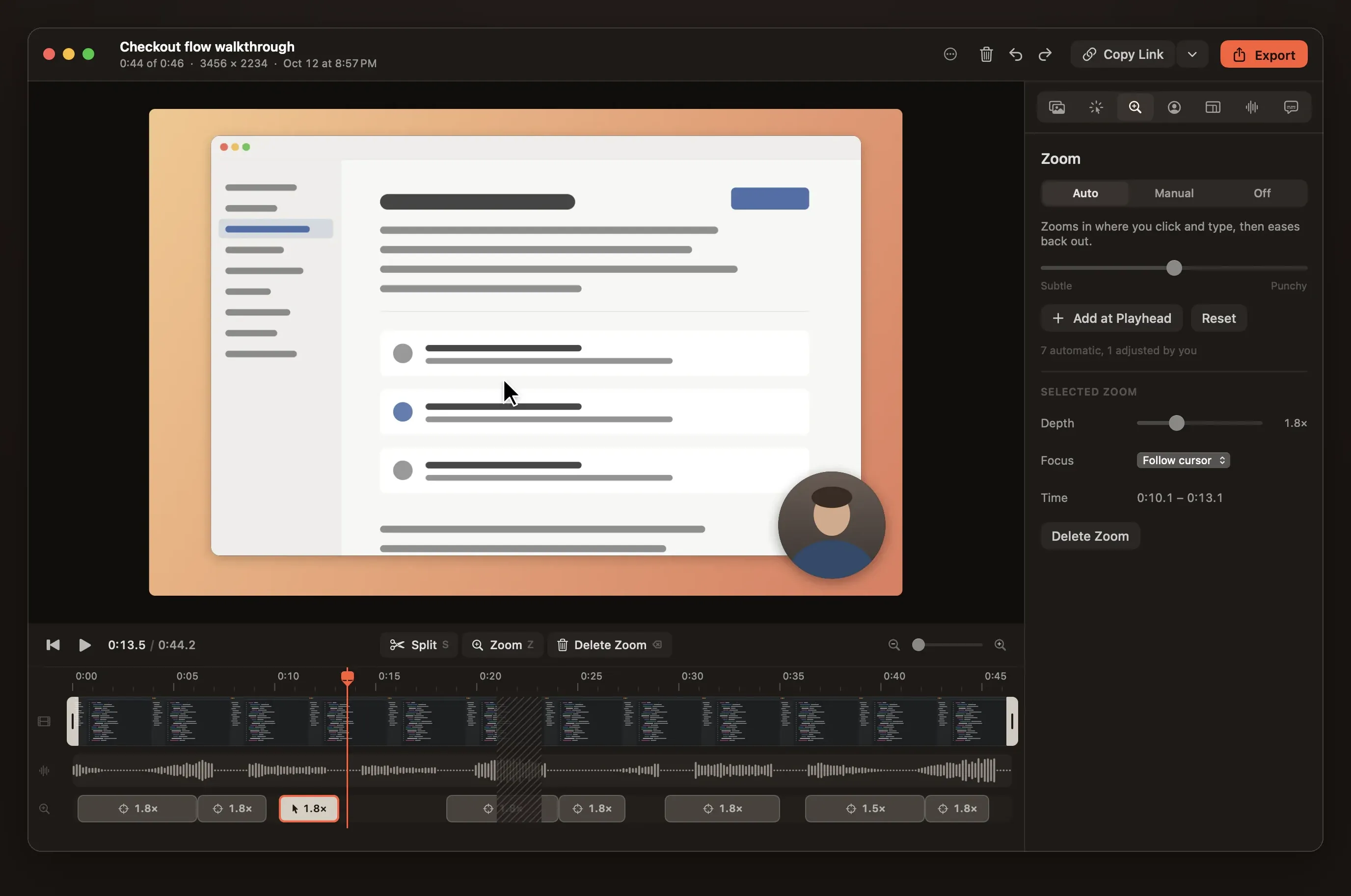
Zooms that follow your clicks.
Reelbird logs every click, keystroke, scroll and pointer move beside the video, then plans zooms from them. One slider sets how far they go. Add, move or delete any zoom on the timeline.
A cursor that glides
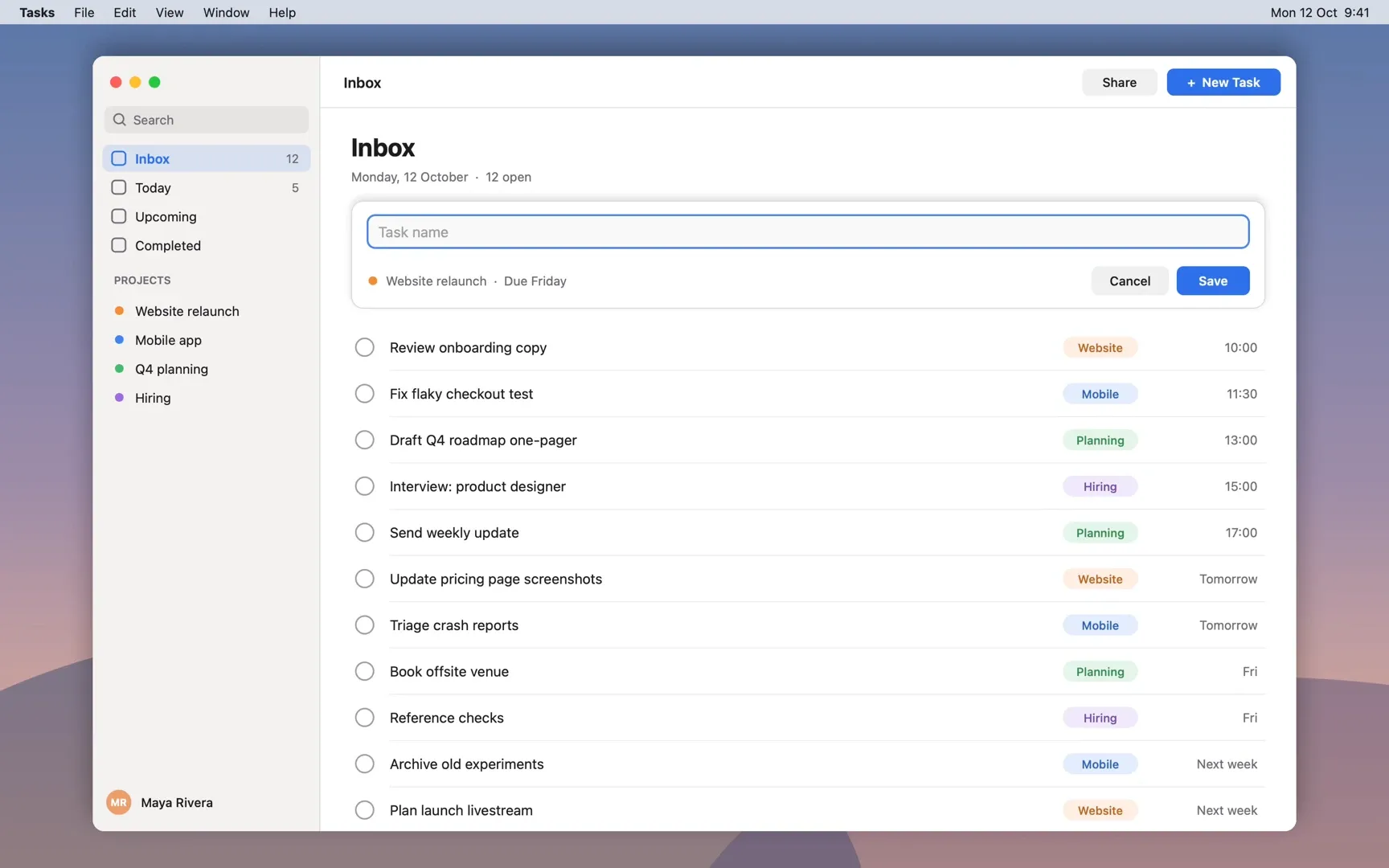
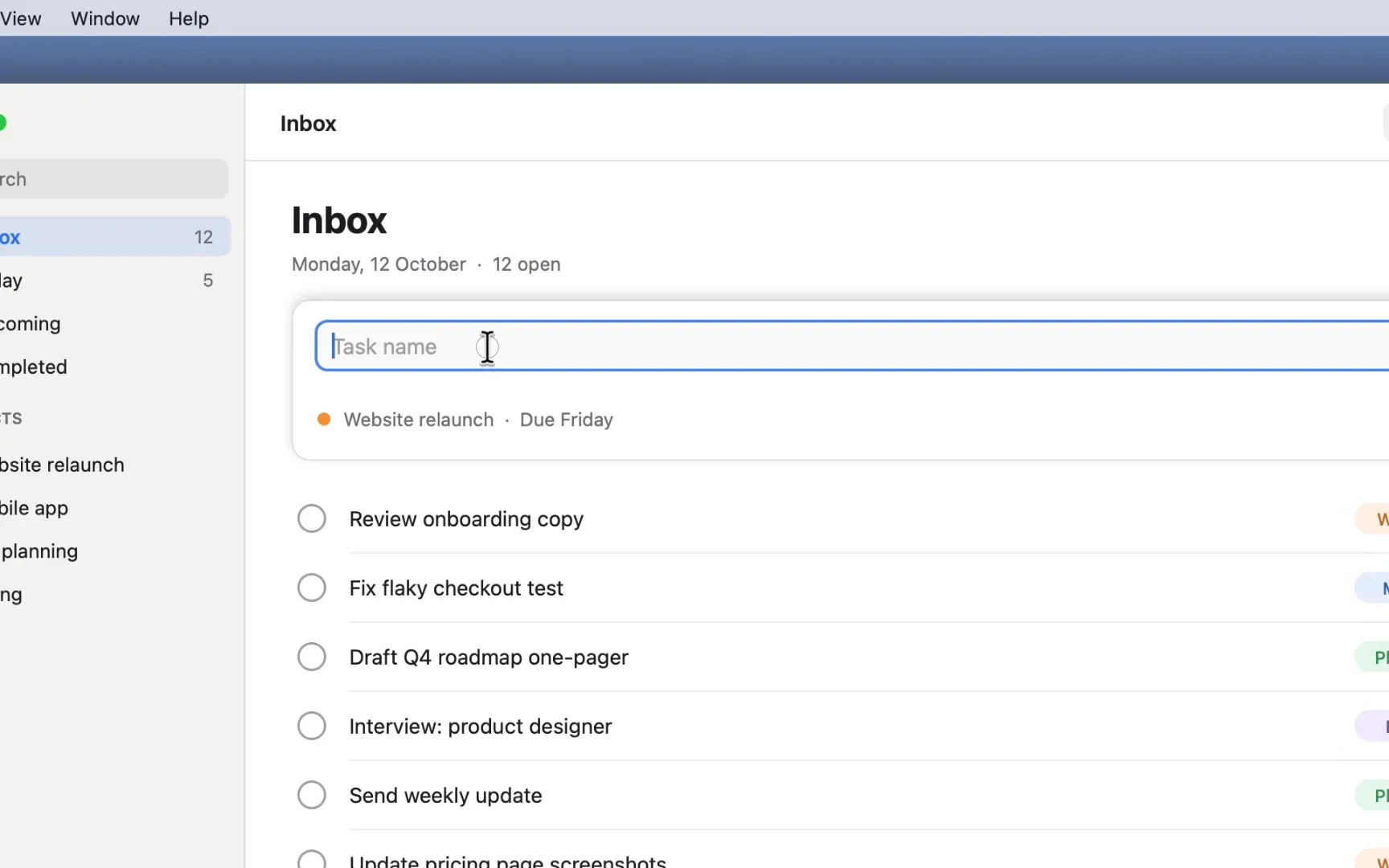
The cursor is redrawn from the log, so it moves smoothly instead of jittering. Resize it or hide it after recording.
Preview is the export
Preview and export use the same Metal renderer, so the file looks exactly like what you watched.
Framed for you
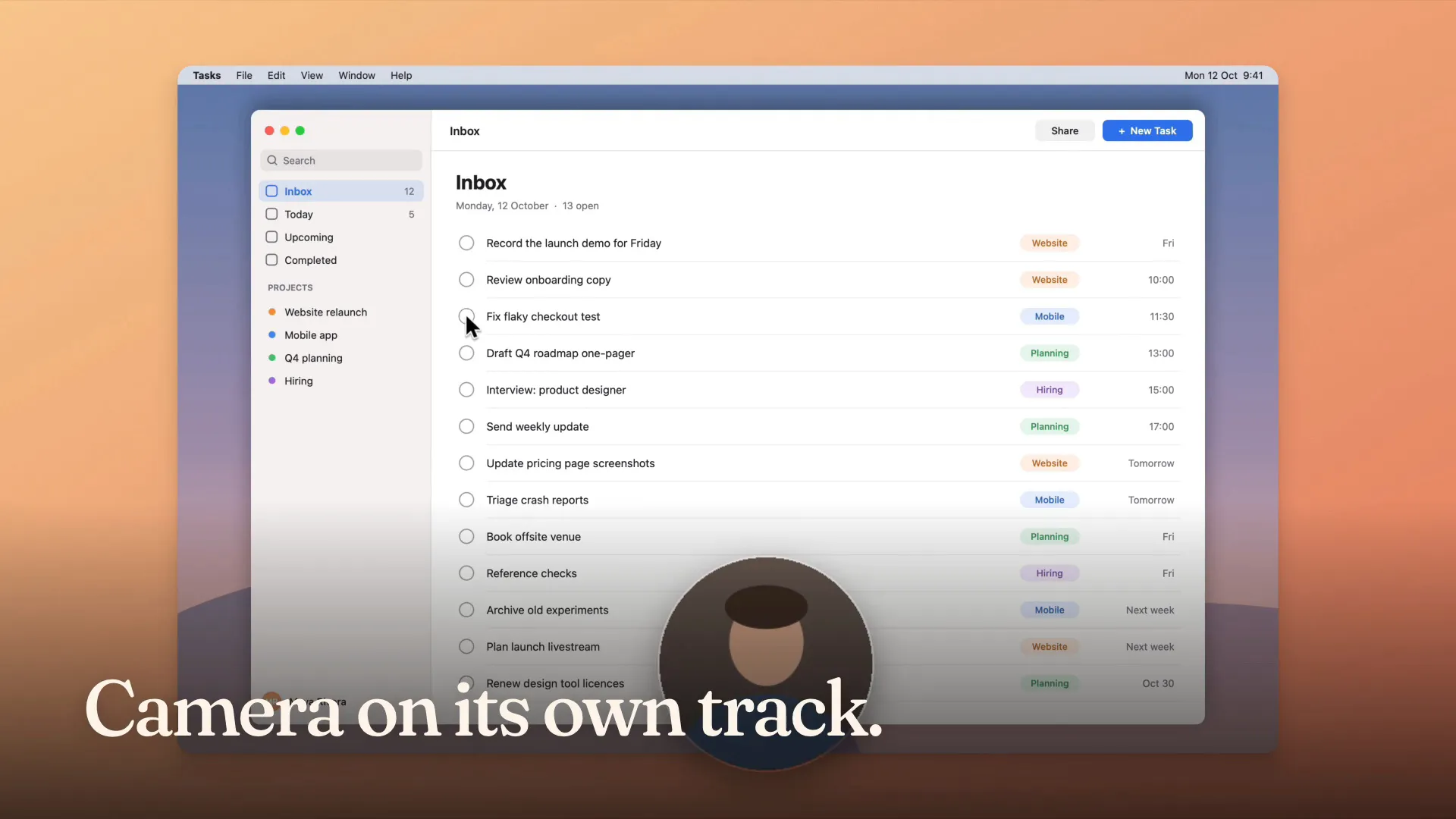
Background, padding, rounded corners, shadow, and a camera bubble you can move after the fact.
Audio and captions
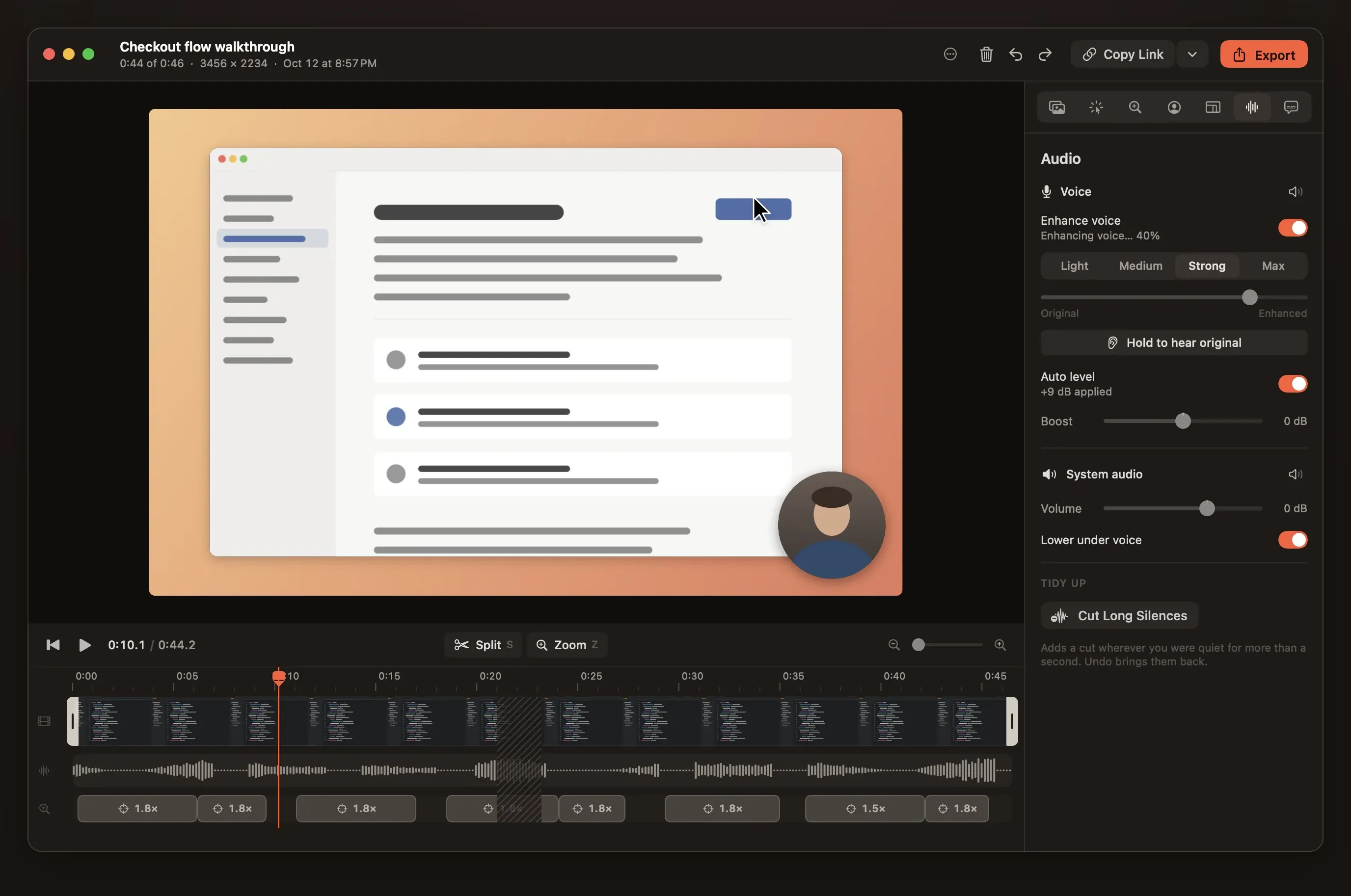
Clear sound without a studio.
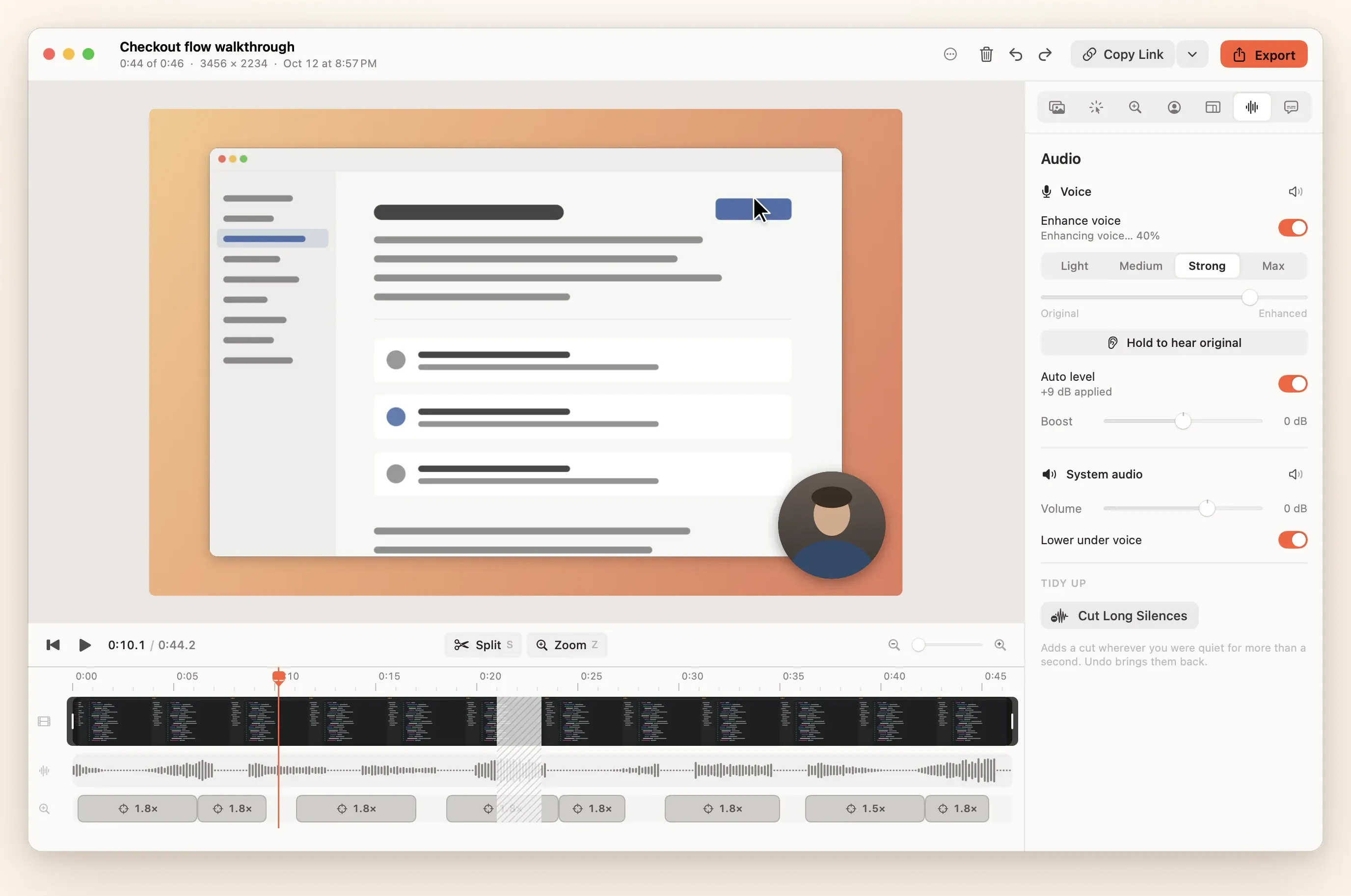
Reelbird treats audio as half the video. It all runs on your Mac, and your original tracks are never changed.
- Auto level
- Your voice is measured and set to −16 LUFS, so a quiet take comes out at a normal level.
- Voice enhance
- Apple's sound isolation takes out room noise and hum where your Mac has it, then a gentle compressor, de-esser and presence lift.
- Ducking
- System audio dips about 12 dB while you speak and comes back when you stop.
- Captions
- Made on your Mac by Apple's speech recognition. Burn them in, or offer them as a track viewers can turn on.
- Cut Long Silences
- Finds the pauses and removes them in one go. You can restore any cut.
- Safe peaks
- A limiter on every track and on the mix, with a −1.5 dBFS ceiling, so nothing clips.
Instant links
Links that live in your own bucket.
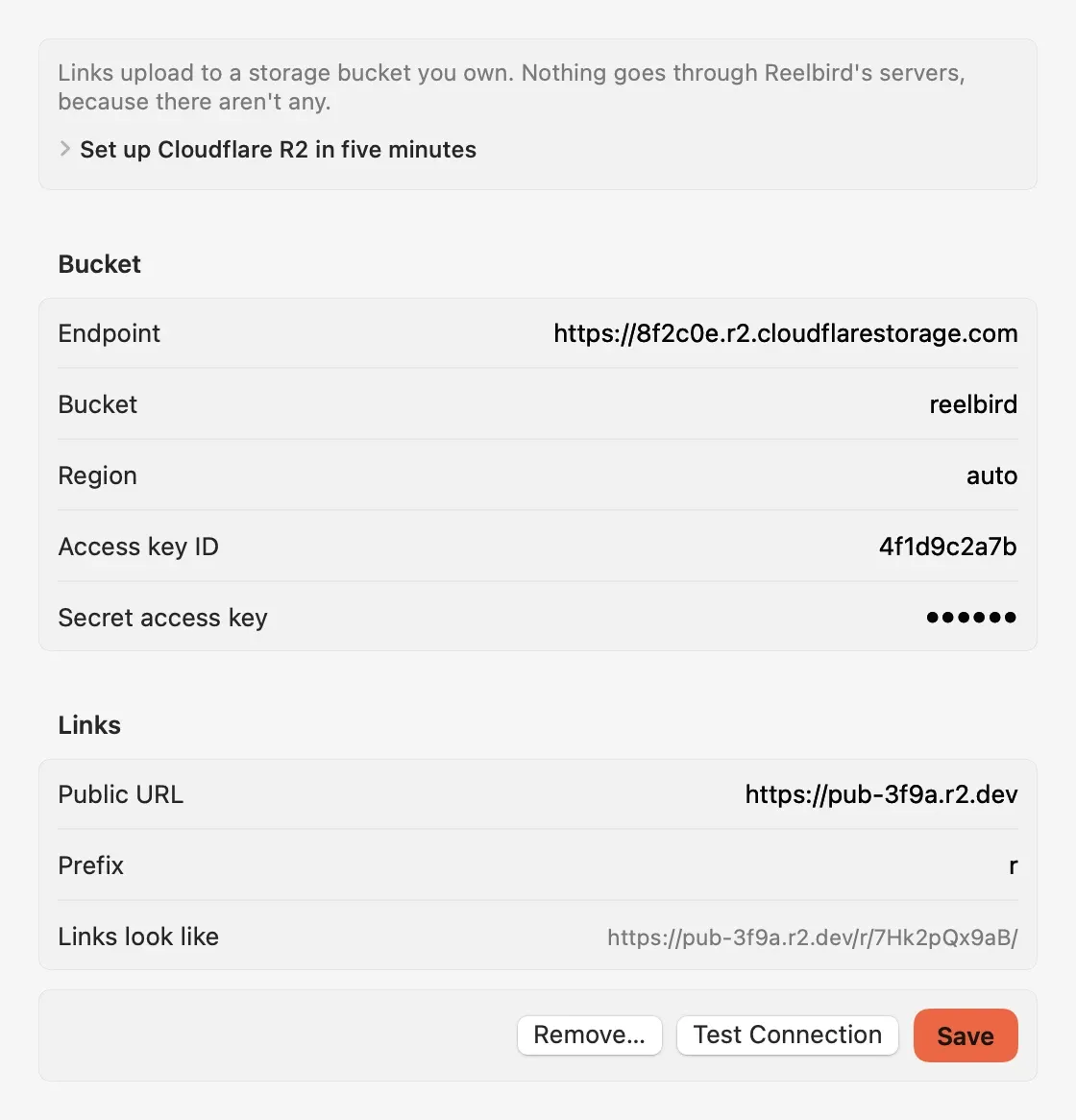
There is no Reelbird server. Share links point at an S3-compatible bucket you own. Cloudflare R2 is the easy choice. It stores 10 GB free each month and charges nothing when people watch.
- Setup takes about ten minutes, once. A bucket, a scoped API token and a public URL.
- The link never changes, even when you update the video.
- Unlisted, not secret. Anyone with a link can watch, so share accordingly.
- Stop sharing deletes every file under that link.
Command line and MCP
Your coding agent can record the demo.
The reelbird tool and its MCP server give Claude Code, Codex and Cursor the same engine as the app. Ask for a demo of the change and get a link back.
$ claude mcp add reelbird -- \
    /Applications/Reelbird.app/Contents/Helpers/reelbird mcp

› Record a 20-second demo of the settings page you just changed
  and give me the share link.

  reelbird list_sources      display 1 · Built-in Retina Display
  reelbird start_recording   display 1 · 20 s · share
  reelbird stop_recording
  reelbird share             polished

  Here's the demo: https://video.example.com/r/7Hk2pQx9/
The details
Built so a take survives.
Never loses a take
Every track is written to disk in 2-second segments from the first frame. If your Mac crashes, Reelbird recovers the take on next launch, minus at most two seconds.
Warns you while it matters
A silent microphone, stalled capture, audio drift, a filling disk or uploads falling behind show up during the recording, not after.
Separate tracks
Screen, camera, microphone and system audio stay apart, so you can move the camera bubble or mute system sound after recording.
The usual formats
MP4 (H.264), HEVC, ProRes and GIF with hardware encoding. Landscape, square, vertical or 4:3.
Native and light
Swift, ScreenCaptureKit and Metal. No Electron and no third-party dependencies.
Open project format
A take is a .reelbird folder of standard MP4s, JSON and an event log. Nothing is locked in.
Launch film
See it from record to link.
Privacy and open source
Nothing leaves your Mac unless you share it.
- Recordings, edits, captions and transcripts stay in
~/Movies/Reelbird. - Captions and titles come from Apple's on-device frameworks. No API keys, no cloud.
- Shares go only to the bucket you set up, signed with your own keys. The secret lives in your Keychain.
- No account, analytics, telemetry, crash reporting or update checks.
- MIT licensed. Read the code, change it, ship your own build.
Reelbird at a glance
- What
- Screen recorder for the Mac
- Price
- Free
- Licence
- MIT
- Platform
- macOS 15 or later
- Written in
- Swift, with ScreenCaptureKit and Metal
- Account
- None
- Telemetry
- None
- Version
- 0.1.1, October 2026
FAQ
Straight answers.
How is Reelbird different from Loom and Screen Studio?
Loom copies a share link when you stop but has no auto-zoom, and its free Starter plan stops each video at 5 minutes, keeps 25 videos, records up to 720p and can't download. Screen Studio has polished auto-zoom but costs $29 a month ($9 billed yearly), and its share link comes after you export. Reelbird copies a link when you stop, lets you add auto-zoom later under the same link, keeps every take as MP4 files on your Mac and is free under the MIT licence. Loom does more for teams (comments, view counts, every platform) and Screen Studio has a more mature editor and a signed download. Prices checked 12 October 2026; see the full comparison.
Is Reelbird free?
Yes. It's MIT licensed, with no paid tier, watermark or export limit. Sharing uses your own storage bucket; Cloudflare R2's free tier (10 GB, free egress) covers most people.
How do I install it? Is there a download?
Yes. Get the zip from the download page, unzip it and drag Reelbird to Applications. It's signed with an Apple Developer ID and notarized by Apple, so it opens like any other app. You can also build it from source: git clone, then make install, with Apple's Command Line Tools (no Xcode).
Do I need an account?
No. There's no Reelbird account or server.
How do share links work?
With Share while recording on, Reelbird uploads a 1080p stream to your bucket as you record and copies the link when you stop. After editing, Update link replaces the video and the URL stays the same.
Does it work on Windows or Linux?
No, and it isn't planned. Reelbird is built on Apple frameworks throughout.
Is my data private?
Recordings, edits and captions stay in ~/Movies/Reelbird. There's no analytics, telemetry, crash reporting or update checks. Captions use Apple's on-device frameworks. Share links are unlisted, not secret. Anyone with a link can watch. More on the privacy page.
Record your first take in a few minutes.
Clone the repo, run make install, and look for the robin in your menu bar. Mac only, macOS 15 or later, no Xcode needed.